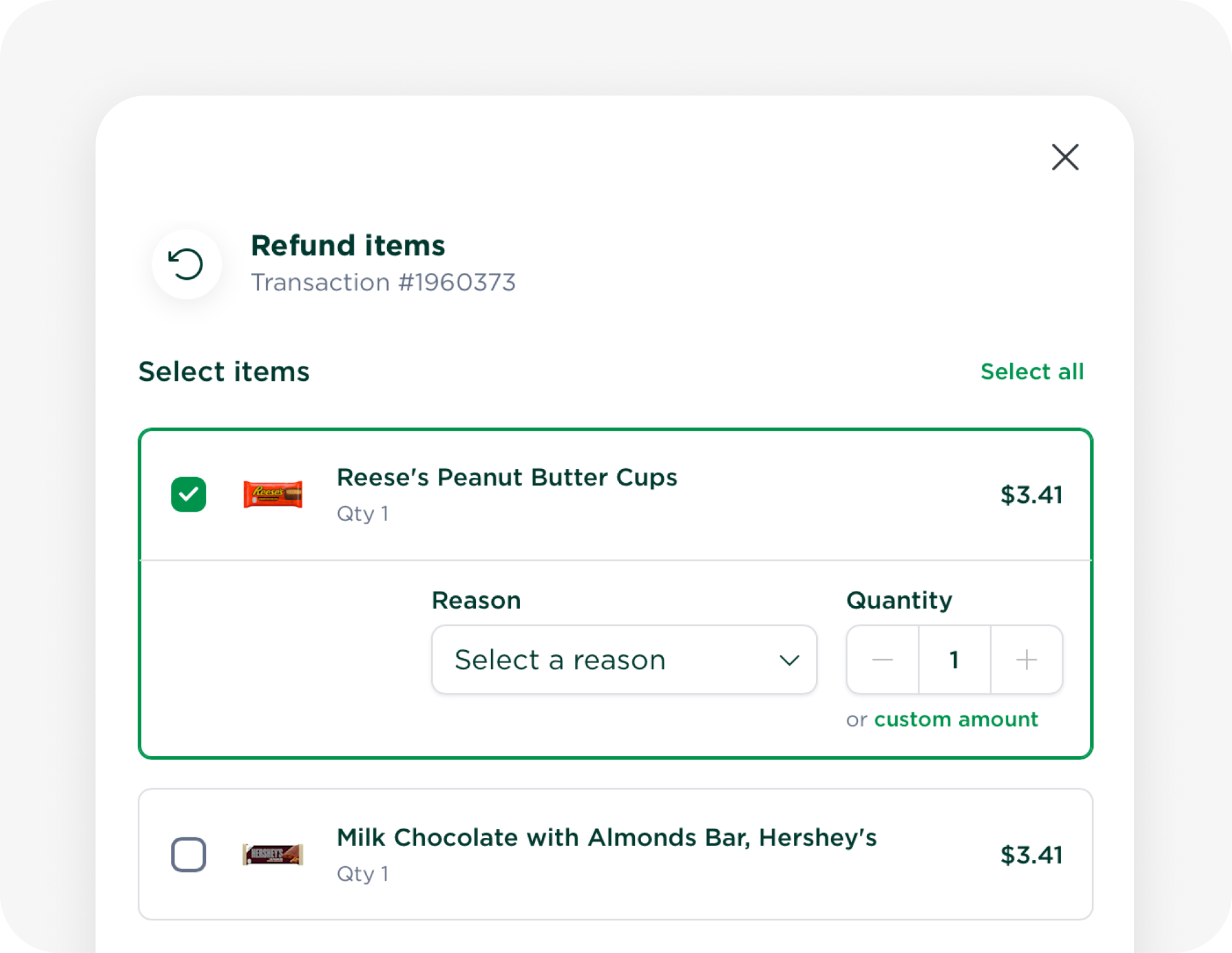
You can now issue refunds directly from your Micromart dashboard, giving you more control over resolving customer issues without needing to contact our support team.
Refund specific items, quantities, or custom amounts, whether you're correcting an incorrect charge, addressing a product issue, or making things right for a customer.
How Refunds Work
🛒 Refund specific items — select which products to refund from a transaction.
🔢 Choose a quantity or amount — refund individual units or enter a custom refund amount.
📝 Provide a reason — select a reason for each refunded item to keep track of adjustments.
💰 Automatic payout adjustments — refunds are automatically reflected in your payouts, including refunds issued after a payout has been processed.
How to Issue a Refund
Navigate to Transactions, select a paid transaction, and click Actions → Refund. Choose the items you'd like to refund, review the details, and confirm.
💡
Video reviews: If you need transaction footage reviewed before issuing a refund, please contact our support team.
Interac Debit (Canada only): Refunds can't be processed automatically and must be handled by our support team.
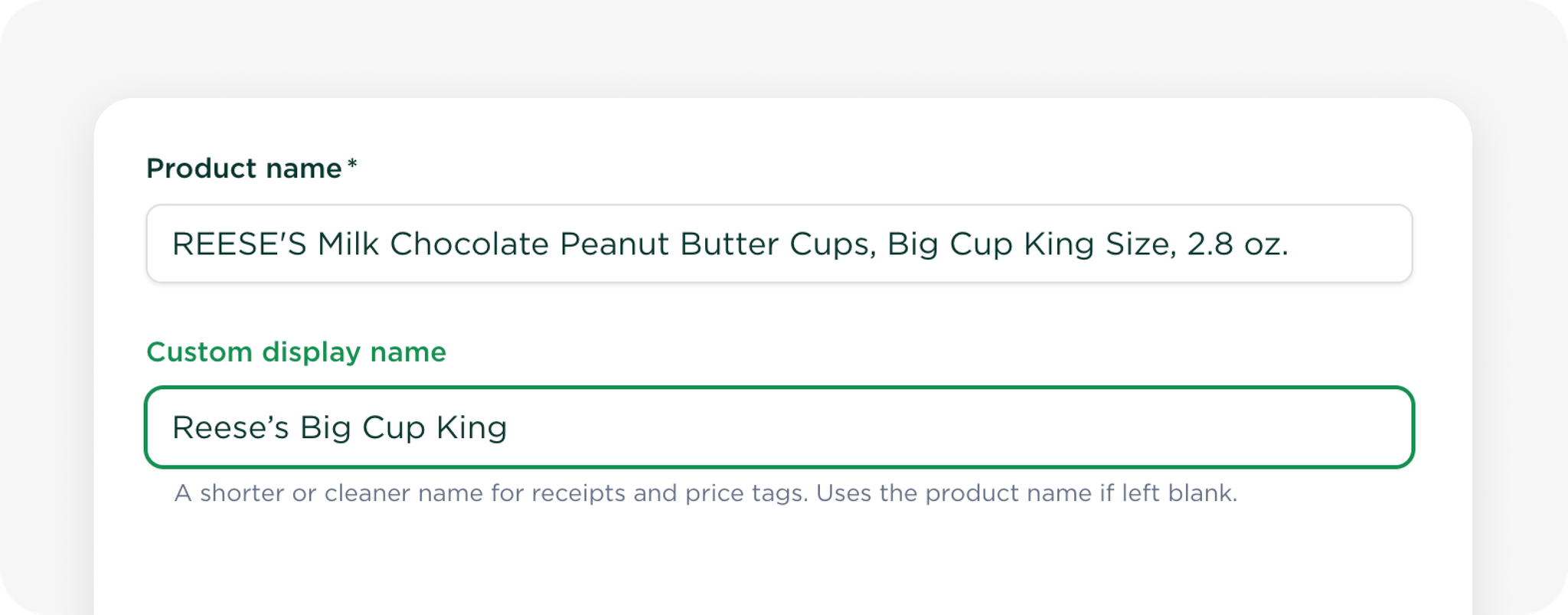
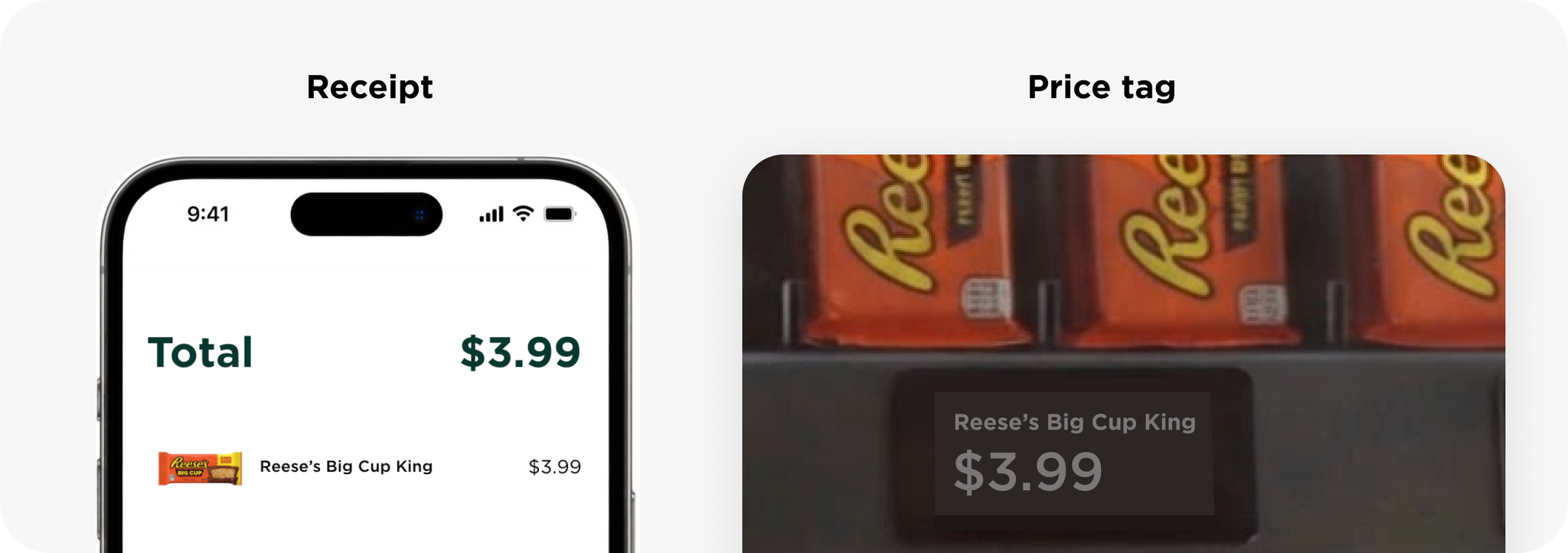
You can now set custom product display names for price tags and receipts, making it easier for customers to recognize what they’re buying. Use clear, customer-friendly names to shorten long titles or highlight key product details.
From the Products page, open a product and edit the Custom display name field under Basic information. This name applies across all locations where the product is used.
💡
Note: Changes to a product’s custom display name automatically update its price tags at every location where the product is placed.
Previously available in beta, customer-specific promotions are now available to everyone.
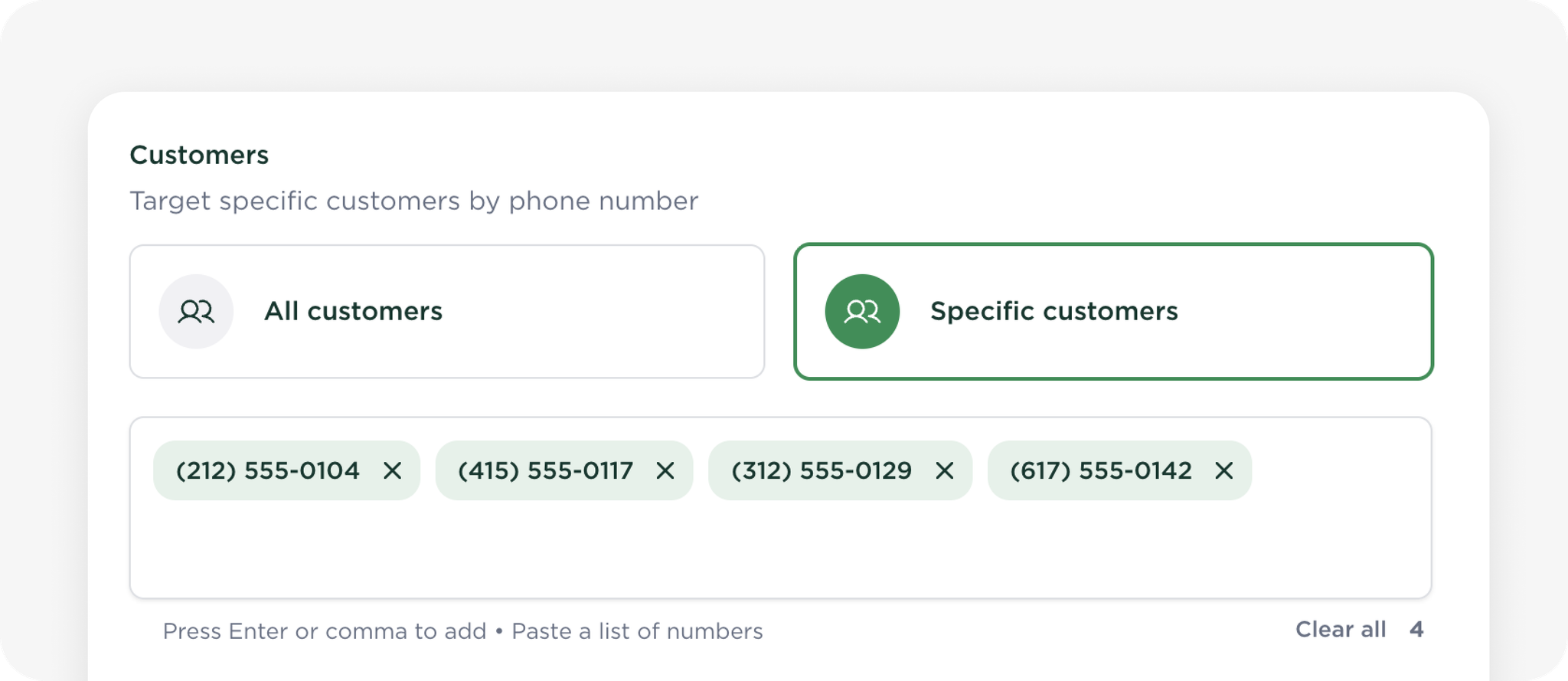
You can create a promotion for people whose full phone numbers you already have, then control how often each person can use it. This is useful for:
Staff and employee discounts
Offers linked to a specific sign-up or enrolment
One-time customer support or recovery offers
Other promotions intended for a known group of customers
How Customer Targeting Works
📱 Target by phone number — add customers individually or paste a list of numbers.
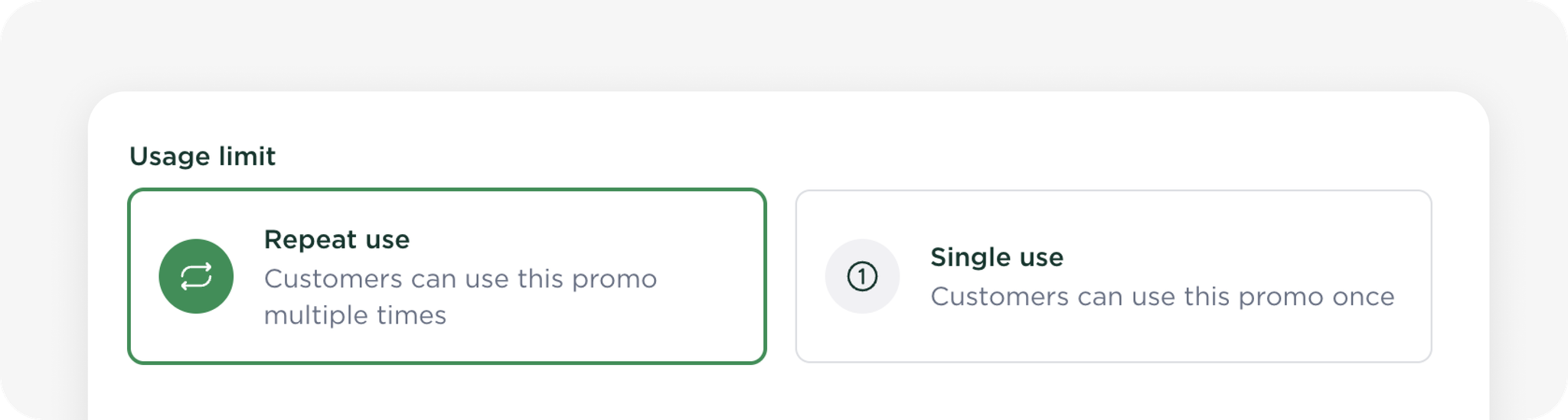
🎟️ Control usage — make an offer single-use or allow customers to use it multiple times.
🏪 Combine targeting — target specific customers, stores, and products together.
📈 Track performance — monitor uses and total discounts through Promotion Insights.
💡
You’ll need to collect the full phone numbers directly from the intended recipients. Phone numbers shown elsewhere on the platform remain masked for security reasons.
Customers aren’t notified automatically about a promotion. This gives you control over how and when you tell them about the promotion, so remember to share the offer separately.
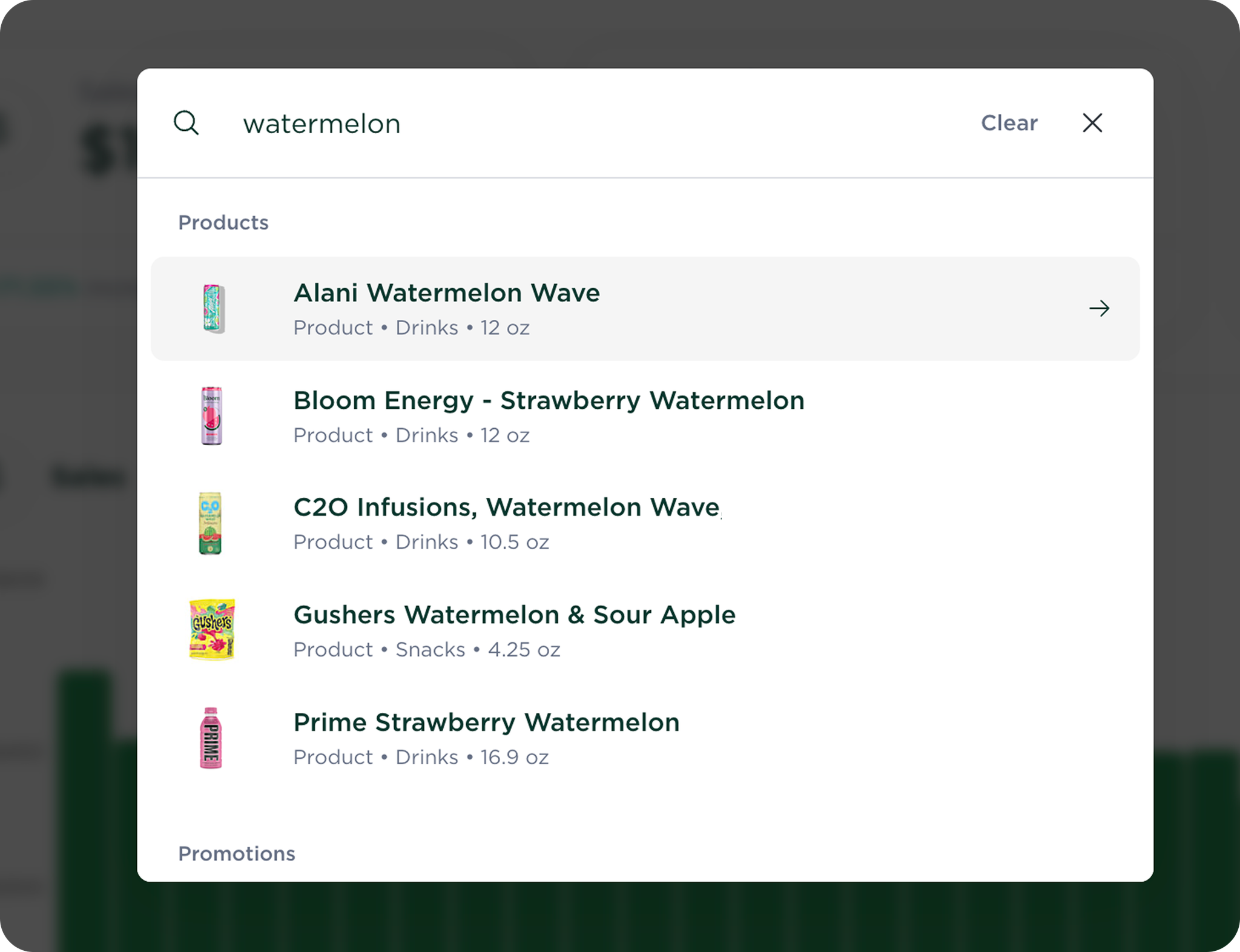
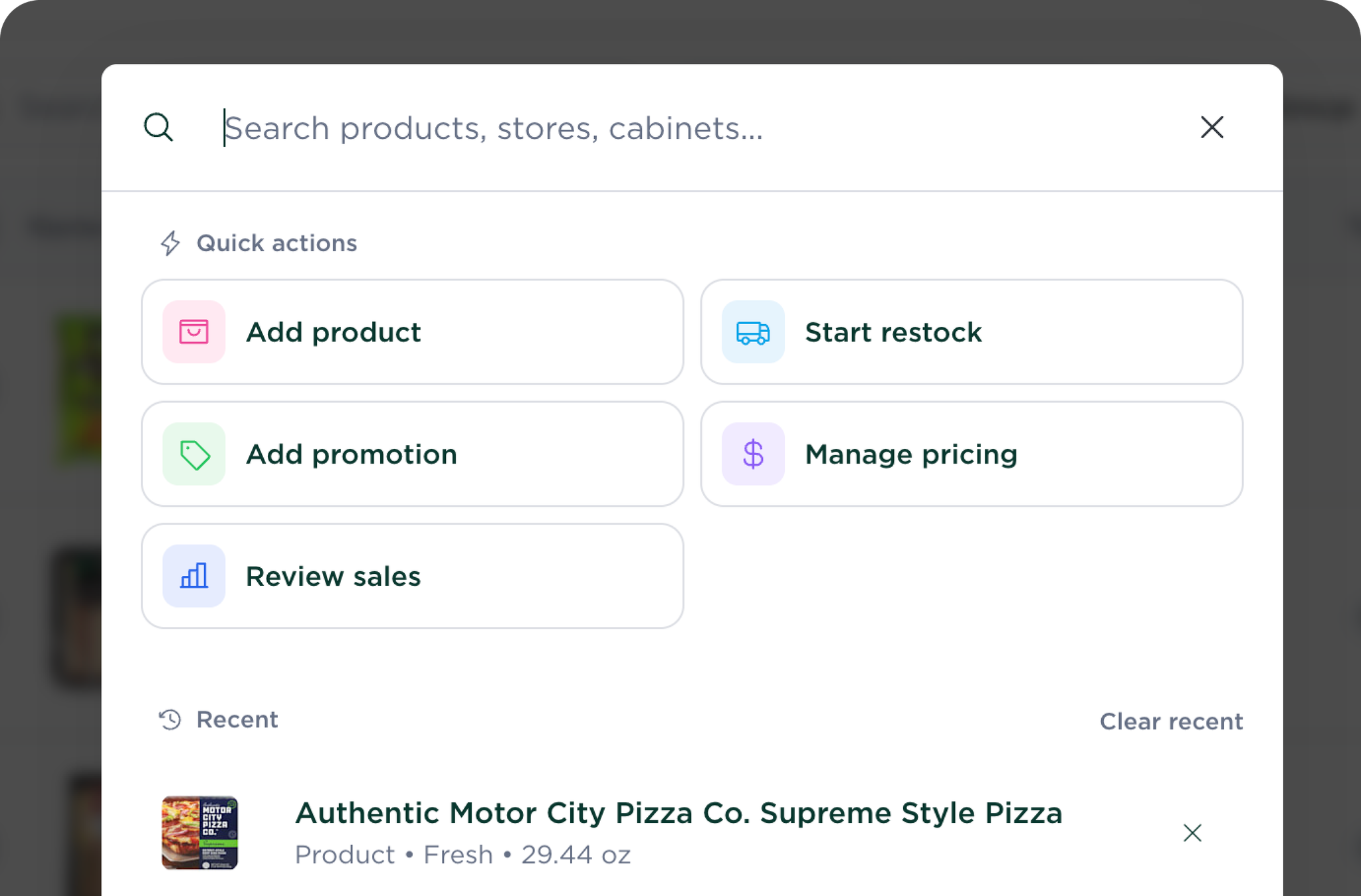
We’ve added Global Search to help you find anything in seconds. Search across products, stores, cabinets, promotions, and more from anywhere in the platform, with quick actions and recent items just a shortcut away.
Search Anything
Search results are grouped by type, making it easy to find exactly what you’re looking for.
Simply start typing to instantly search across products, stores, cabinets, promotions, and more.
Quick Actions
Get shortcuts to common tasks, such as adding a product or starting a restock.
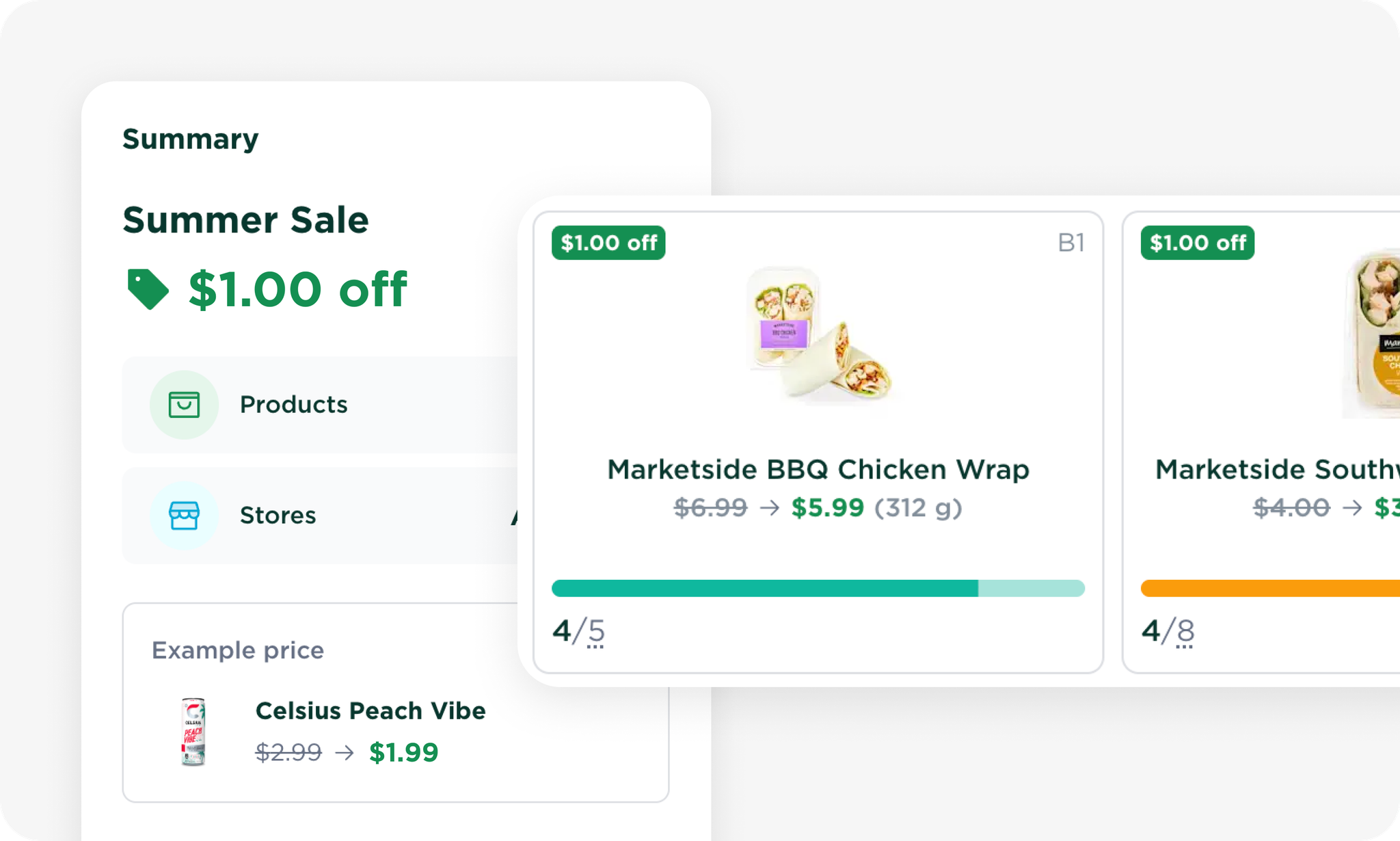
You can now create and manage promotions directly from the Micromart platform.
Launch discounts across all stores or target specific locations and products, schedule promotions in advance, and track performance as customers use them.
Create Promotions Instantly
Create percentage or fixed amount discounts with flexible targeting:
🏪 Apply to all stores or selected locations.
📦 Discount all products or specific products.
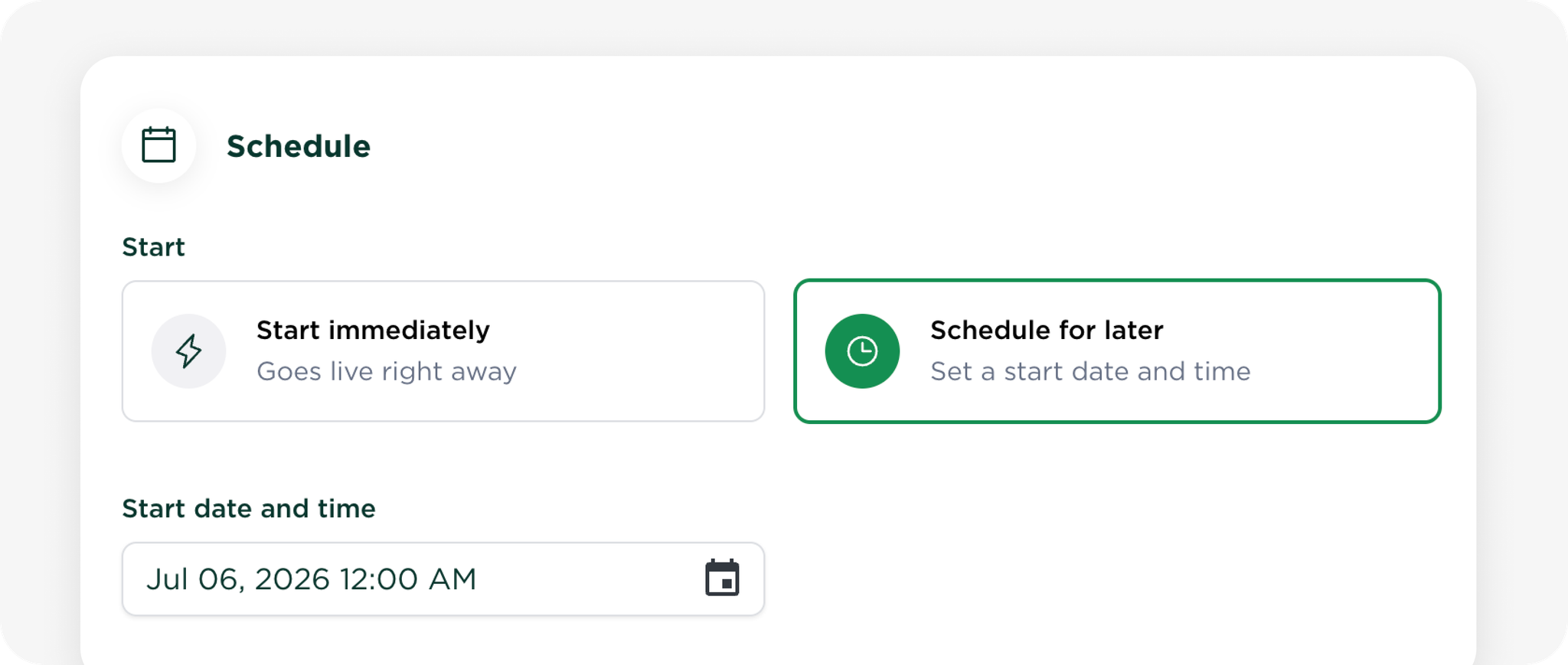
📅 Start immediately or schedule for a future date.
🔄 Store price tags will automatically update.
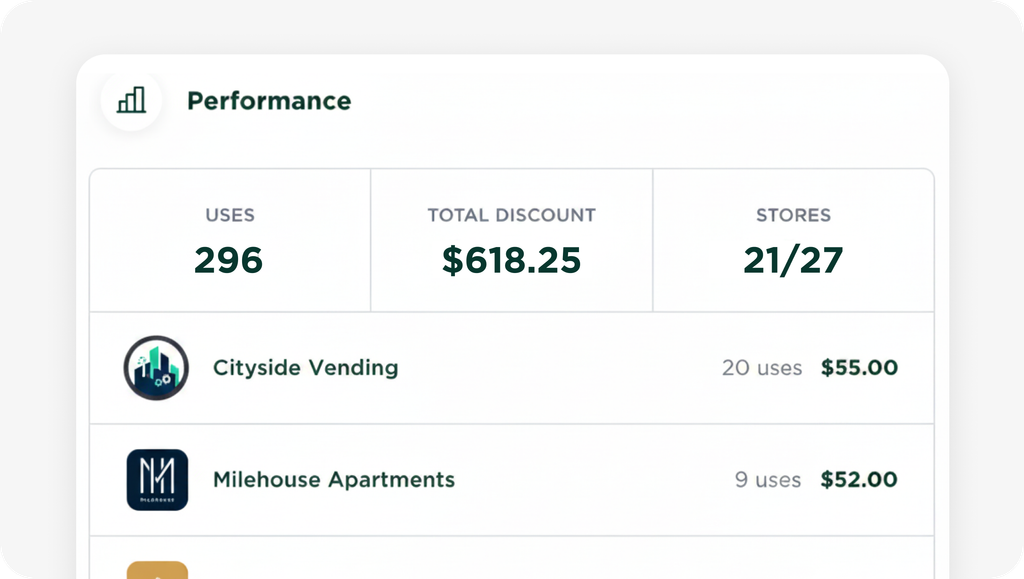
📈 Track uses, total discounts, and store performance.
Promotion Insights
See how every promotion is performing at a glance with built-in analytics, including:
📊 Total uses
💰 Total discounts given
🏪 Store-by-store performance
Just Getting Started
This is the first phase of our self-serve promotions platform, with much more on the way. Upcoming improvements include:
🎁 Advanced promotion types, including Buy One, Get One (BOGO).
📱 Customer targeting by phone number (currently in beta).
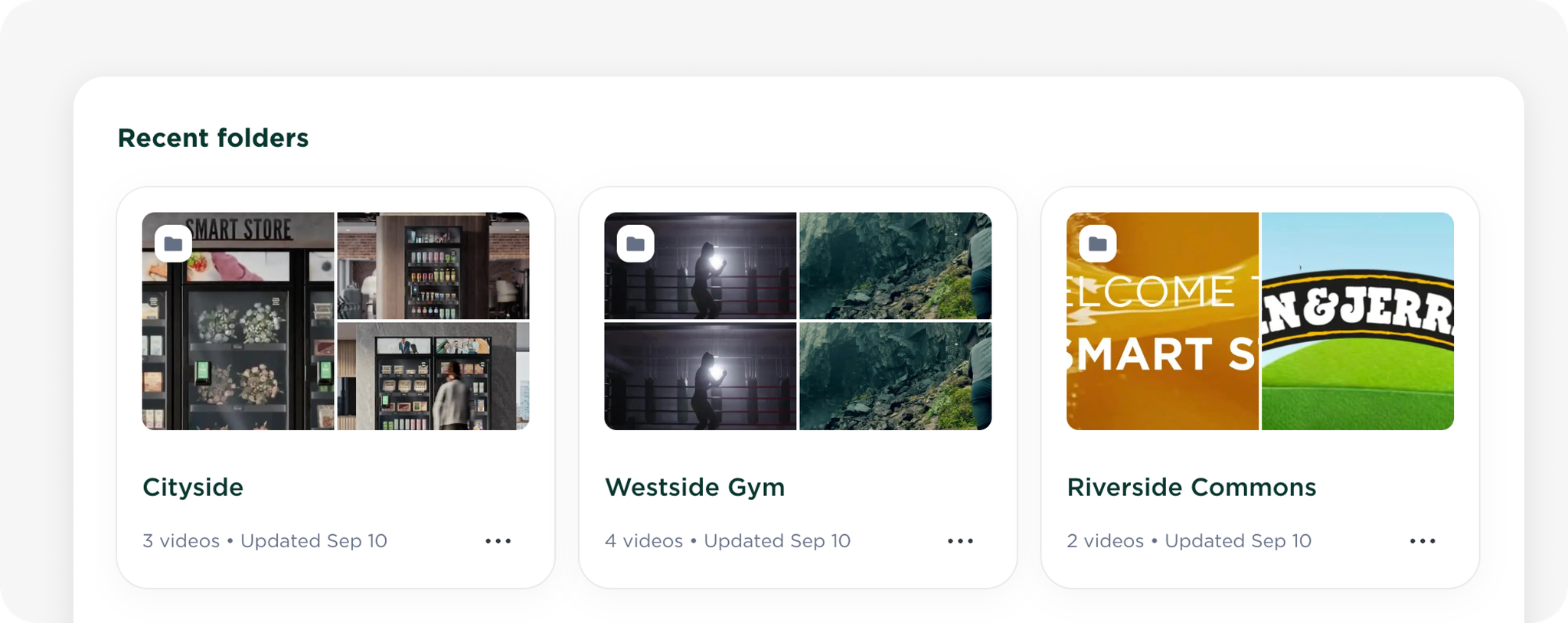
🎥 Richer support for promotional videos and in-store marketing.
✨ Additional targeting, scheduling, and reporting capabilities.
We’re excited to continue expanding promotions with more powerful tools over the coming months. If you have feedback or feature requests, we’d love to hear them!
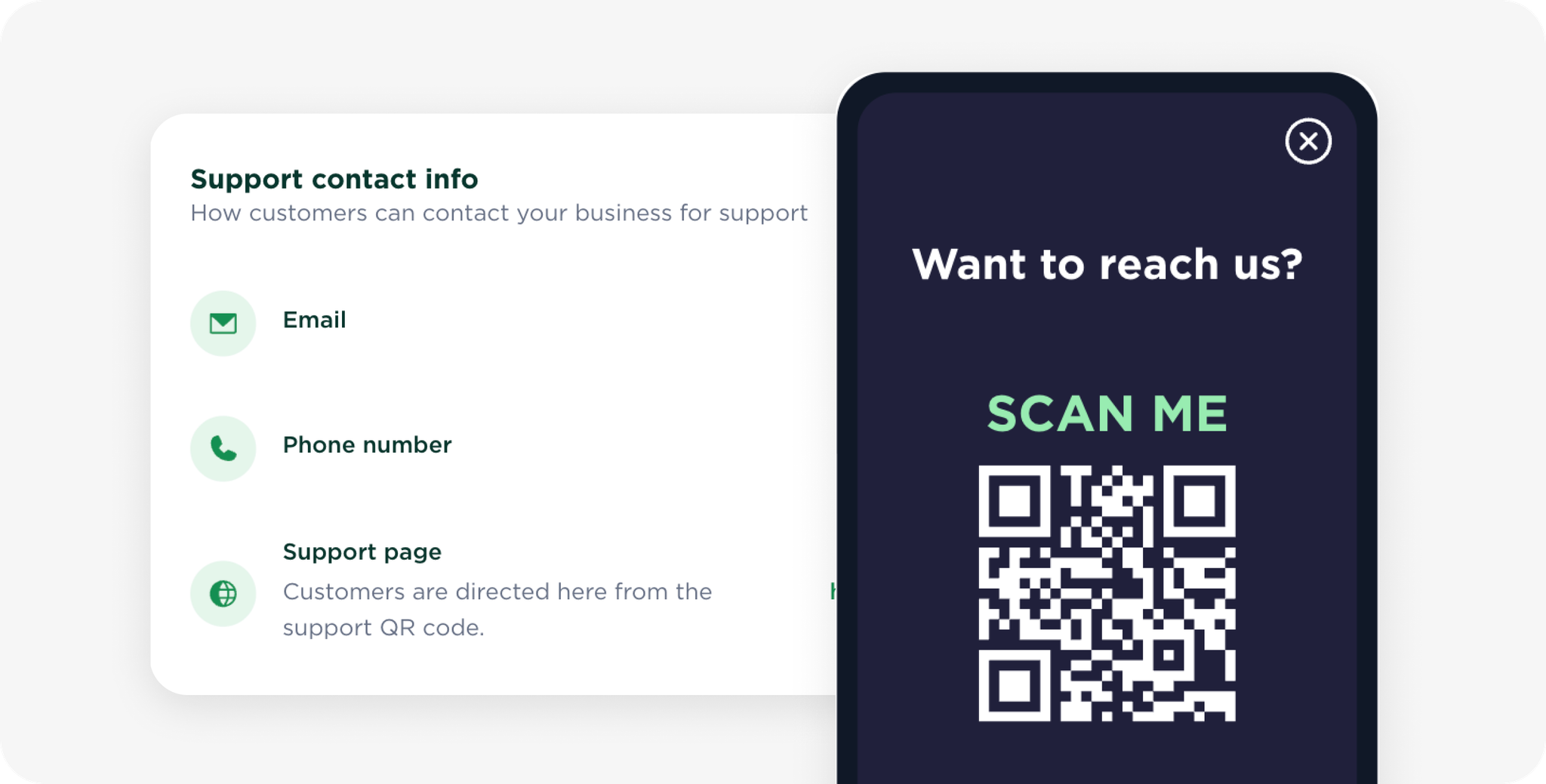
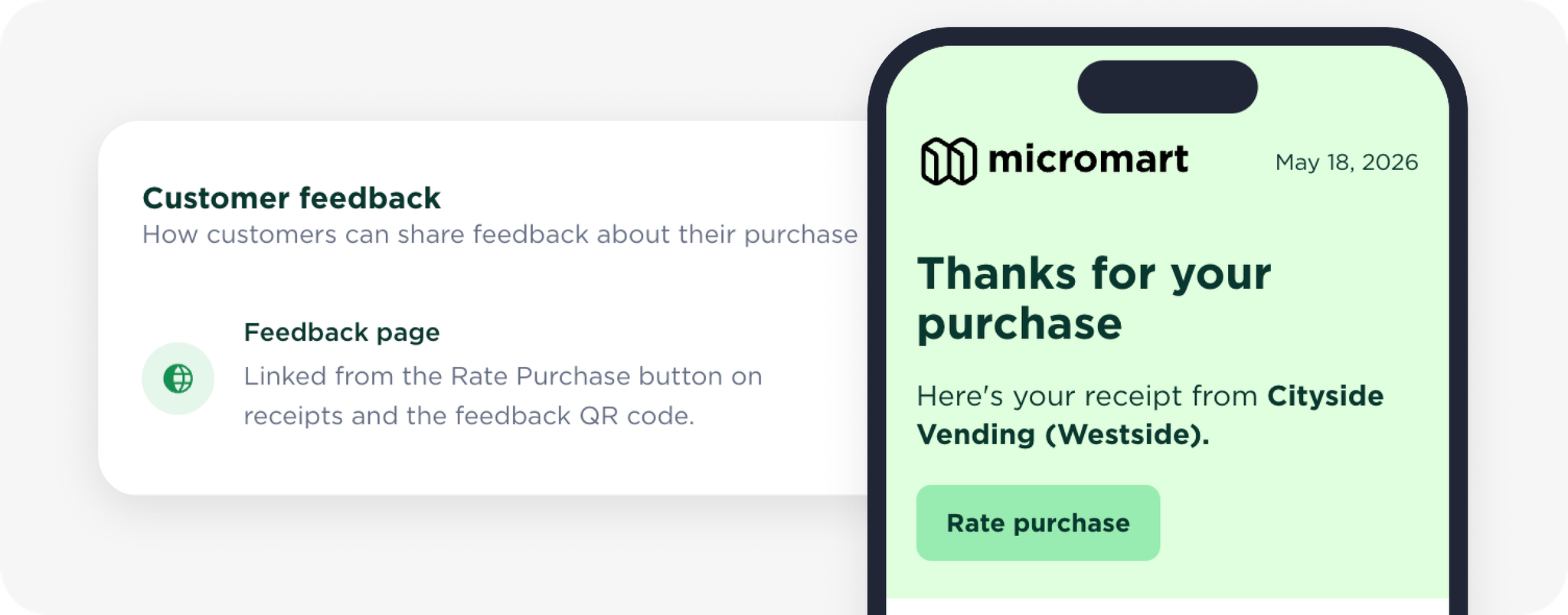
You can now configure how customers contact your business and share feedback from the new Settings → Support page.
Support Contact Info
Choose how customers can reach your business:
📧 Email — opens a new email addressed to your support email.
📞 Phone — displays your support phone number.
🌐 Support Page — customers can scan a QR code on the store terminal to open your support website.
Customer Feedback
Add your preferred feedback or survey URL to encourage customers to rate their experience.
Once configured:
⭐ A prominent Rate Purchase button appears on every digital receipt.
📱 The Share Feedback QR code on the store terminal opens your feedback page.
Preview Changes
Use the Preview button in the top-right corner to see exactly how your support and feedback settings appear on both the store terminal and digital receipts.
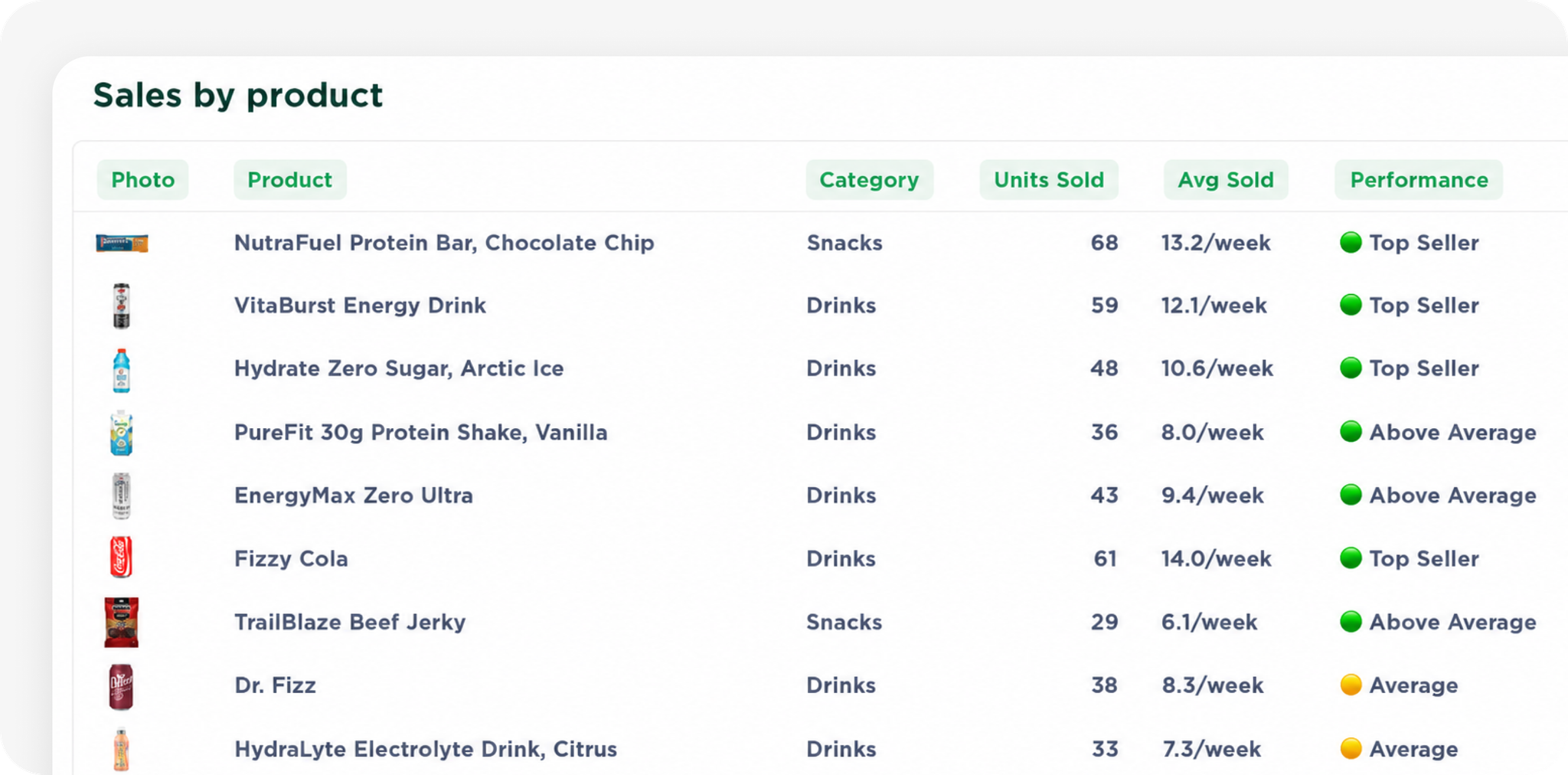
The Sales by Product table now includes products with 0 sales during the selected date range, making it easier to identify slow-moving items and gaps in your assortment.
We’ve also added two new performance metrics:
Avg Sold — the average sales rate while the product was available.
Performance — compares a product’s sales performance to other products in the same category.
Avg Sold
Shows the average sales rate while the product was available in an active planogram during the selected period. The displayed unit adjusts based on the selected date range:
7-day range: per day
30-day range: per week
6-month range: per month
Performance Ratings
Performance compares a product’s sales rate to the average product in its category:
You can now set up taxes across all your Micromart stores. The new guided tax setup lets you define where taxes apply, how products are taxed, and how prices appear to customers through a simple step by step workflow.
You can access Tax Setup from Settings in your Micromart dashboard.
✨ What’s New
✔ Guided tax configuration – Step-by-step setup for your stores.
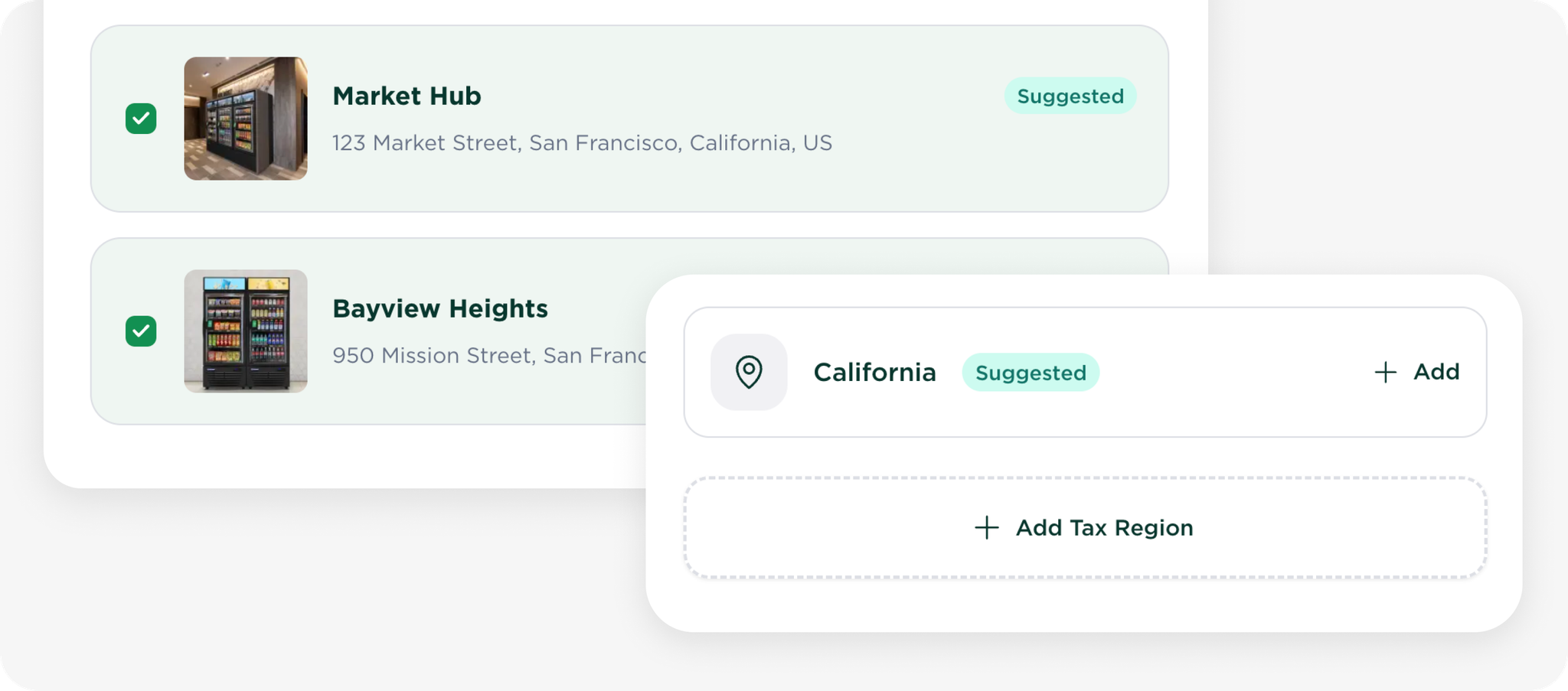
✔ Tax regions – Define where taxes apply by location.
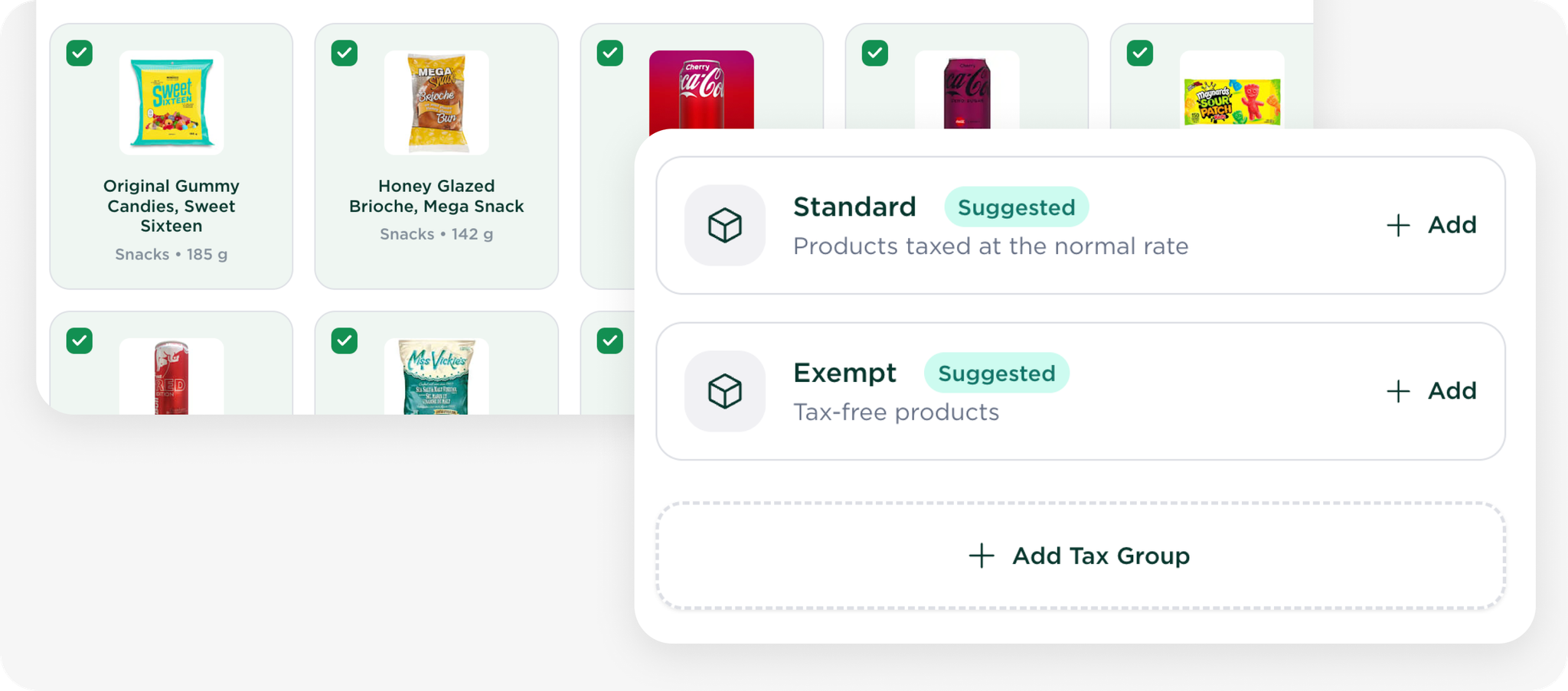
✔ Product tax groups – Apply the correct tax rates automatically.
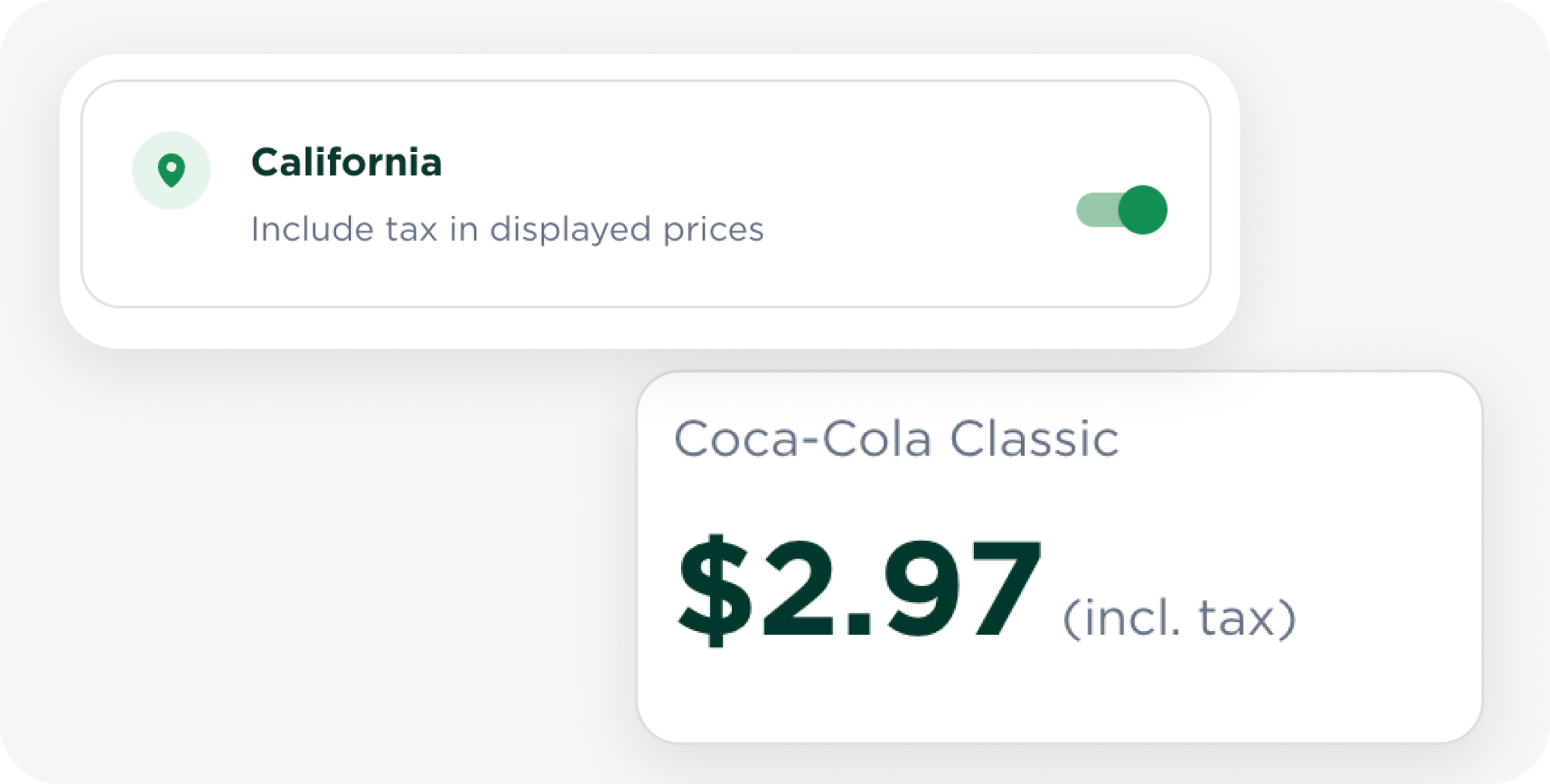
✔ Flexible price display – Show prices with or without tax.
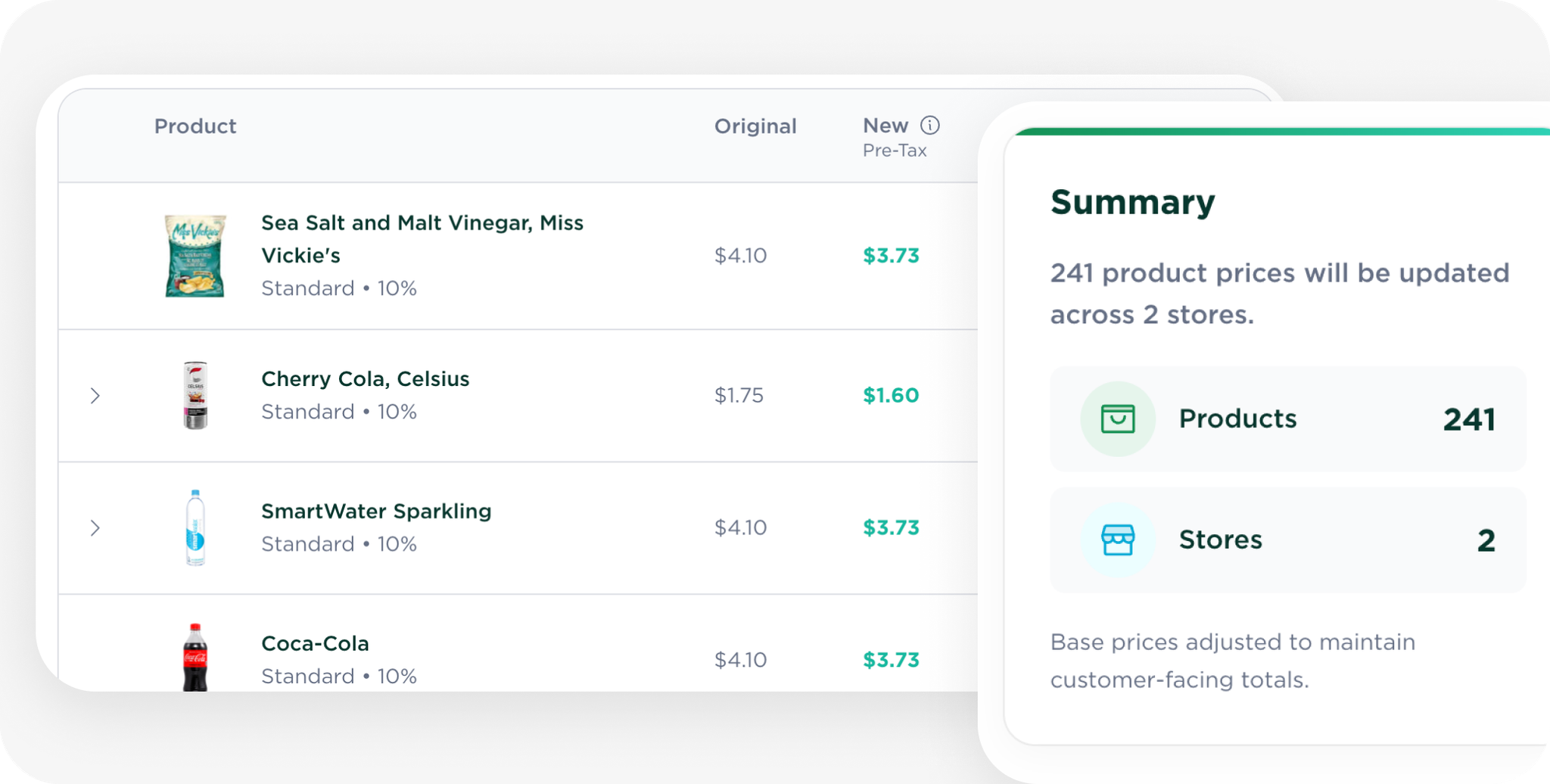
✔ Automatic price adjustments – Optinally convert prices to pre-tax while keeping totals the same.
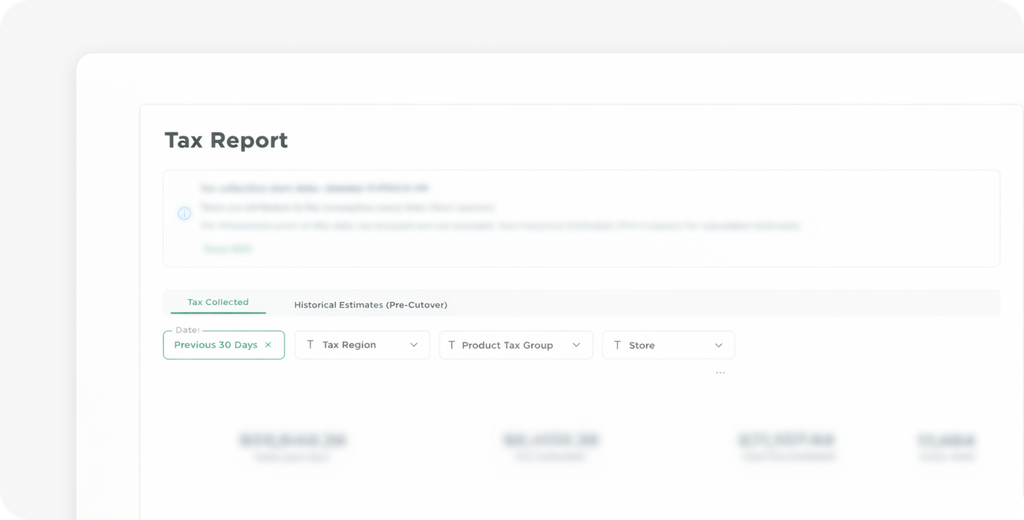
✔ Tax report – Estimate the tax portion of past sales.
✔ Earnings report – Review your payouts and revenue.
Set Up Taxes in 3 Steps
Configure taxes across your stores with a simple guided workflow.
Define where you collect tax
Start by selecting the regions where your stores operate and where sales tax applies. This ensures transactions are attributed to the correct tax jurisdiction.
Configure product tax groups
Group products by how they are taxed such as food, beverages, or general merchandise. Assigning products to tax groups ensures the correct tax rate is applied automatically during sales.
Confirm pricing behaviour
Decide how taxes appear to customers on price tags and how your existing prices should be handled.
You can choose to automatically convert prices to pre tax so customer totals remain unchanged.
Prepare your numbers for tax season
Use Micromart reports to estimate sales tax collected and review your earnings from the past year.
Estimate taxes collected
After tax setup, use the Tax Report to estimate the sales tax portion included in customer purchases in 2025.
Review your earnings
Use the Earnings Report to see how much money was paid out to your bank account over the year, including fees.
Sales tax rules and rates vary by state, location, and product category. Be sure to confirm the correct rates for your stores.
Micromart provides reporting and tax estimation tools but does not provide tax advice. Operators remain responsible for filing and remitting their taxes. If you have questions about your tax obligations, we recommend consulting a CPA or qualified tax professional.
Micromart does not issue 1099 forms, so operators should rely on their dashboard reports when preparing their taxes.
💡 Learn More
Learn how to configure taxes and understand your financial reports.
We hope this helps simplify tax season and gives you a straightforward way to set up and manage sales tax collection. If you have questions about the new tax tools or aren’t sure how to configure taxes for your setup, feel free to reach out.
Additional filters are now available on the transactions page to make it easier to find specific purchases.
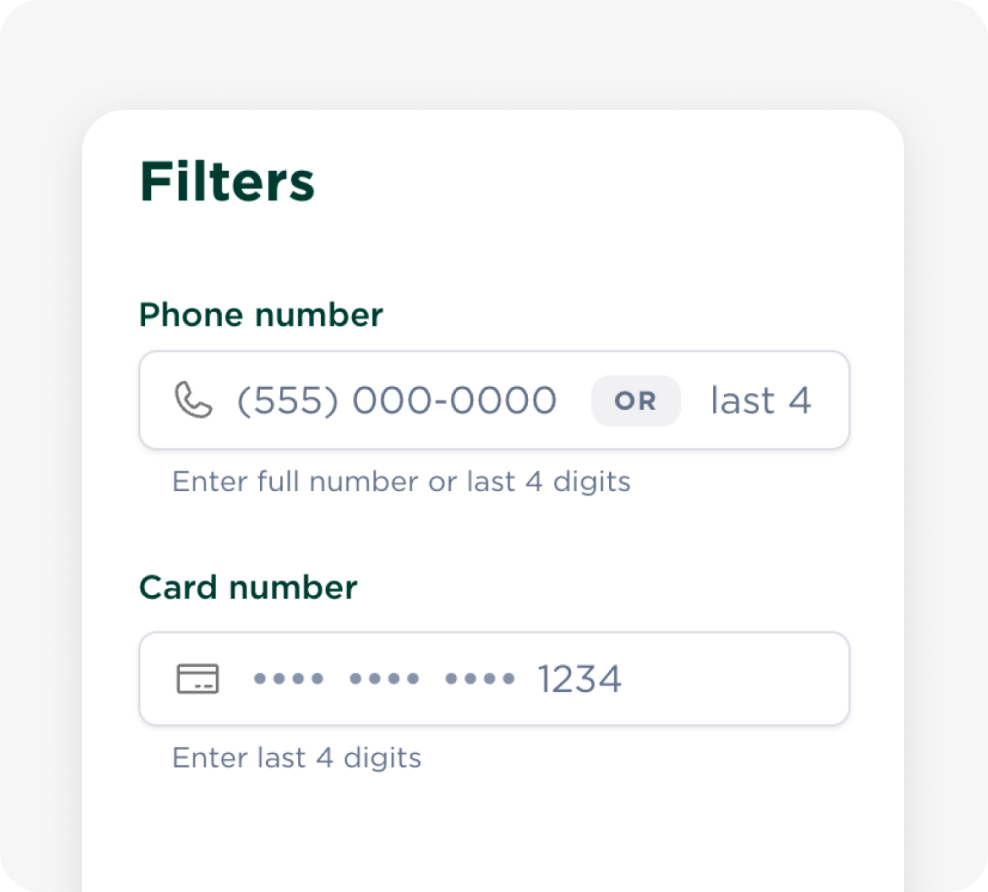
You can filter transactions by phone number (full number or last 4 digits) or card number (last 4 digits).
Phone number privacy
To improve customer privacy, phone numbers are now masked, while still allowing you to identify and filter transactions using partial details. This follows modern privacy best practices.
Say hello to simpler, faster pricing management. See where products are used and update prices across all cabinets from one screen.
✨ What’s New
✔ Centralized control: review and update prices for all products in one place.
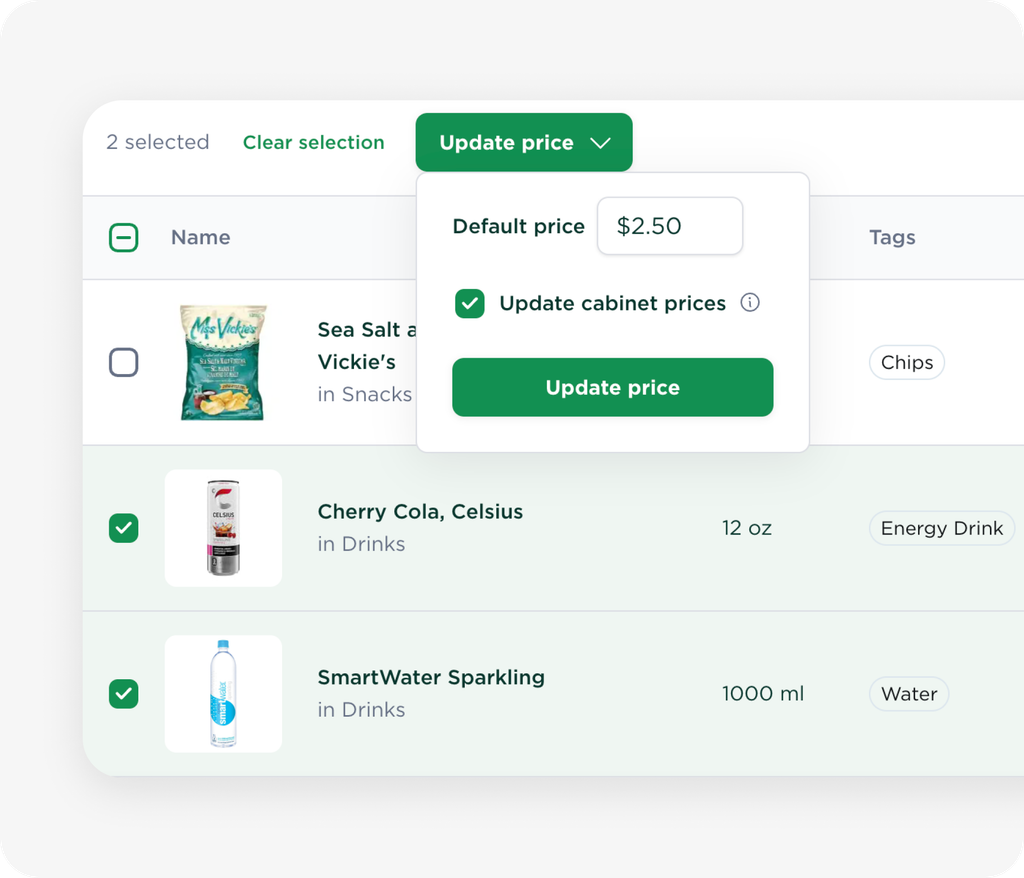
✔ Bulk price updates: select multiple products to apply changes in one action.
✔ Usage visibility: see every cabinet a product is in before adjusting prices.
✔ Auto-updating price tags: digital price tags update instantly.
🏷️ Manage All Pricing in One Place
The Pricing Manager gives you full visibility and precise control.
🔍 See where products are used
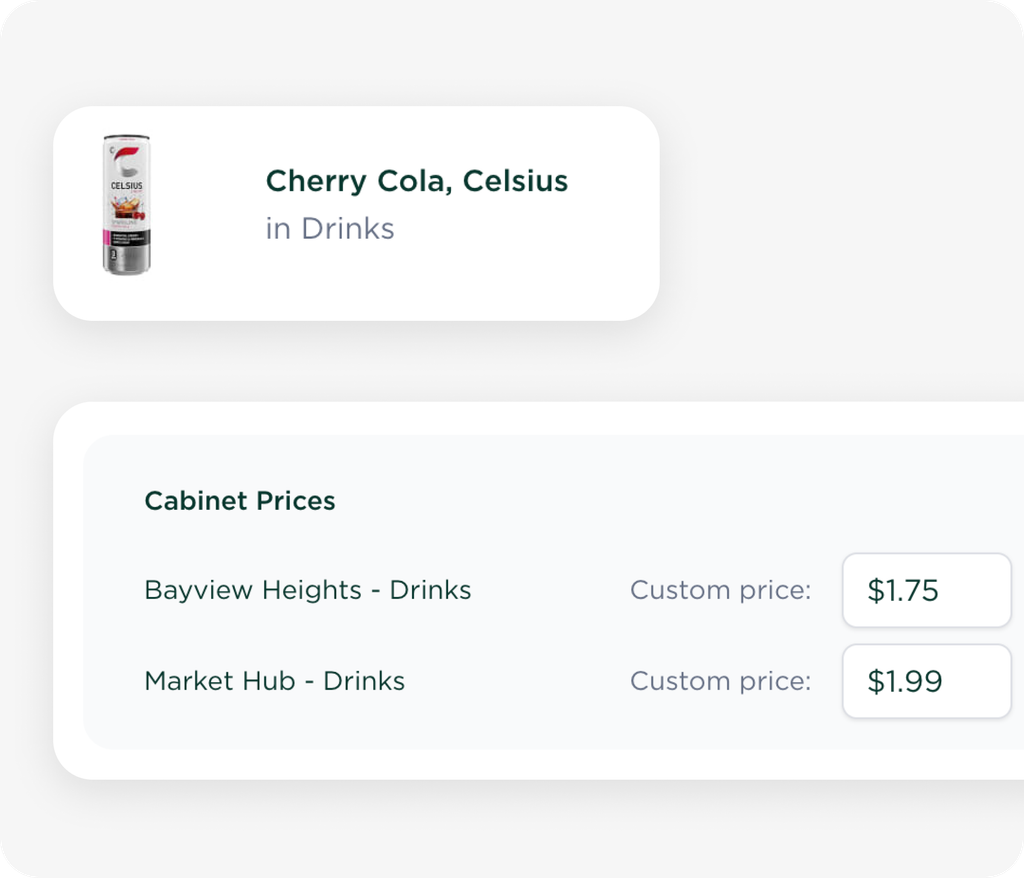
Quickly scan to see which cabinets carry a product and what price each location uses.
🛠️ Update prices in bulk
Edit prices inline or select multiple products to apply changes to default and cabinet-specific prices.💡 All edits auto-save in your browser, so you can leave and return at any time.
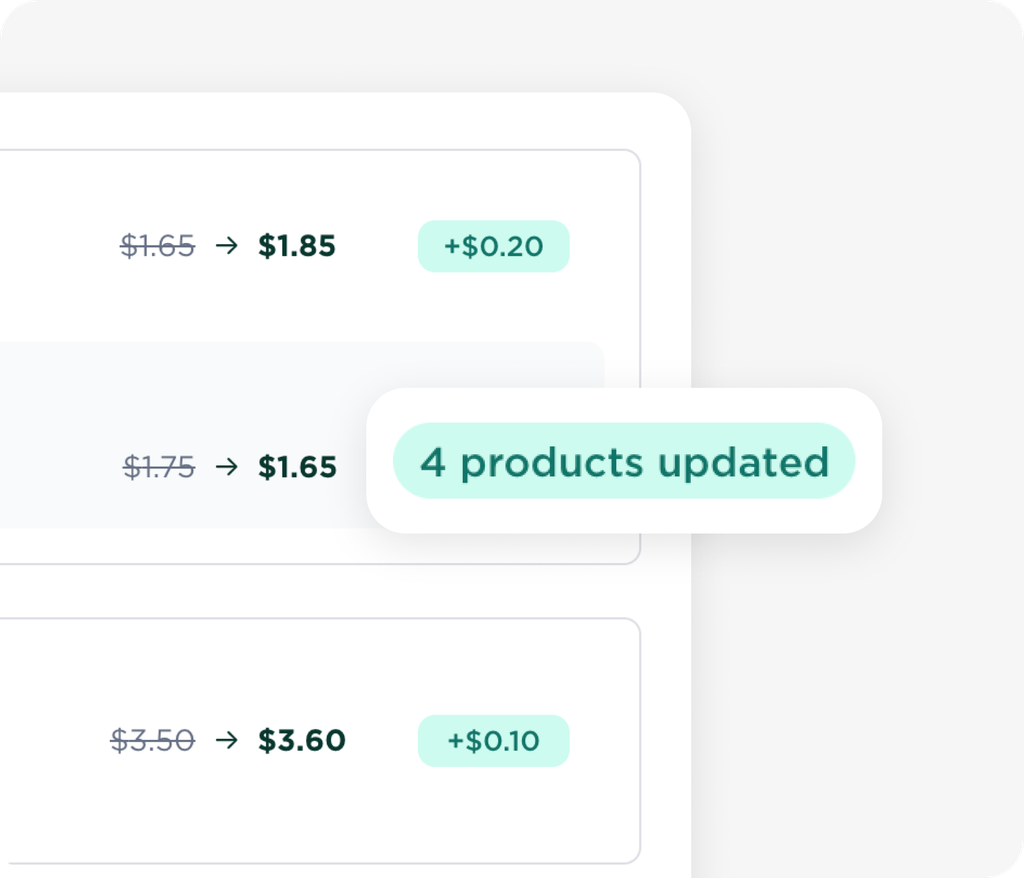
📋 Review changes before applying
You’ll see a clear summary of which products and cabinets will be updated so you can confirm everything before it goes live.
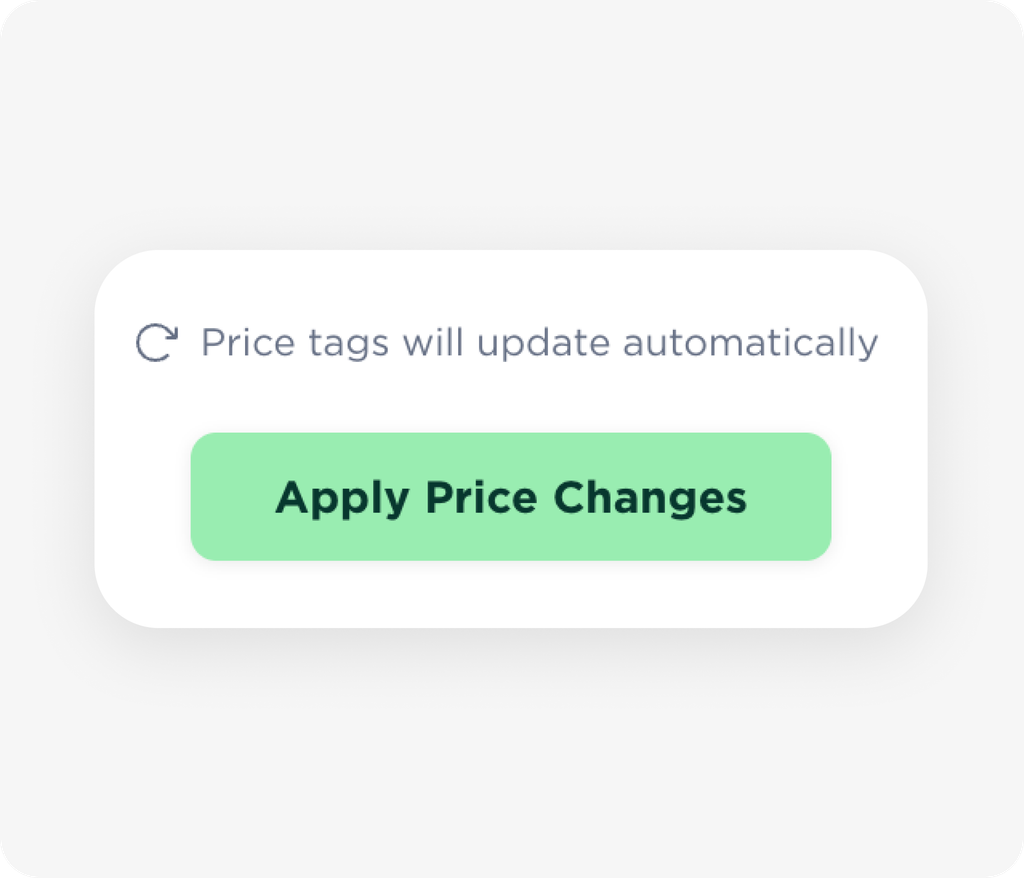
🏷️ Price tags update automatically
After applying changes, all associated price tags sync to reflect the new pricing.
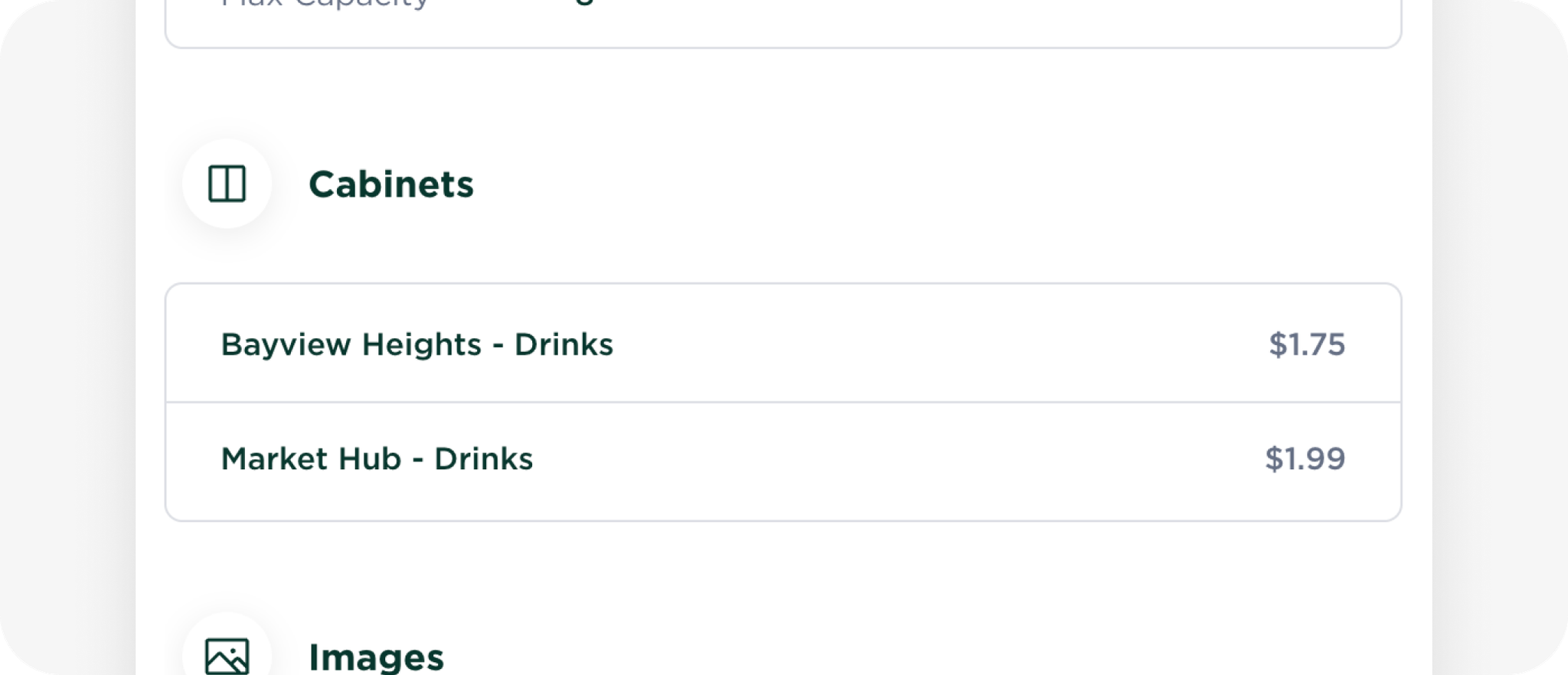
⭐ Bonus: Product Usage Overview
Open any product to see everywhere it’s used, including each cabinet’s current price.
💡 Why It Matters
Faster pricing workflows
Fewer errors with a single source of truth
Consistent pricing across all cabinets and locations
💬 What Do You Think?
Have you tried the new Pricing Manager? Tell us what’s working well and what could be even better.
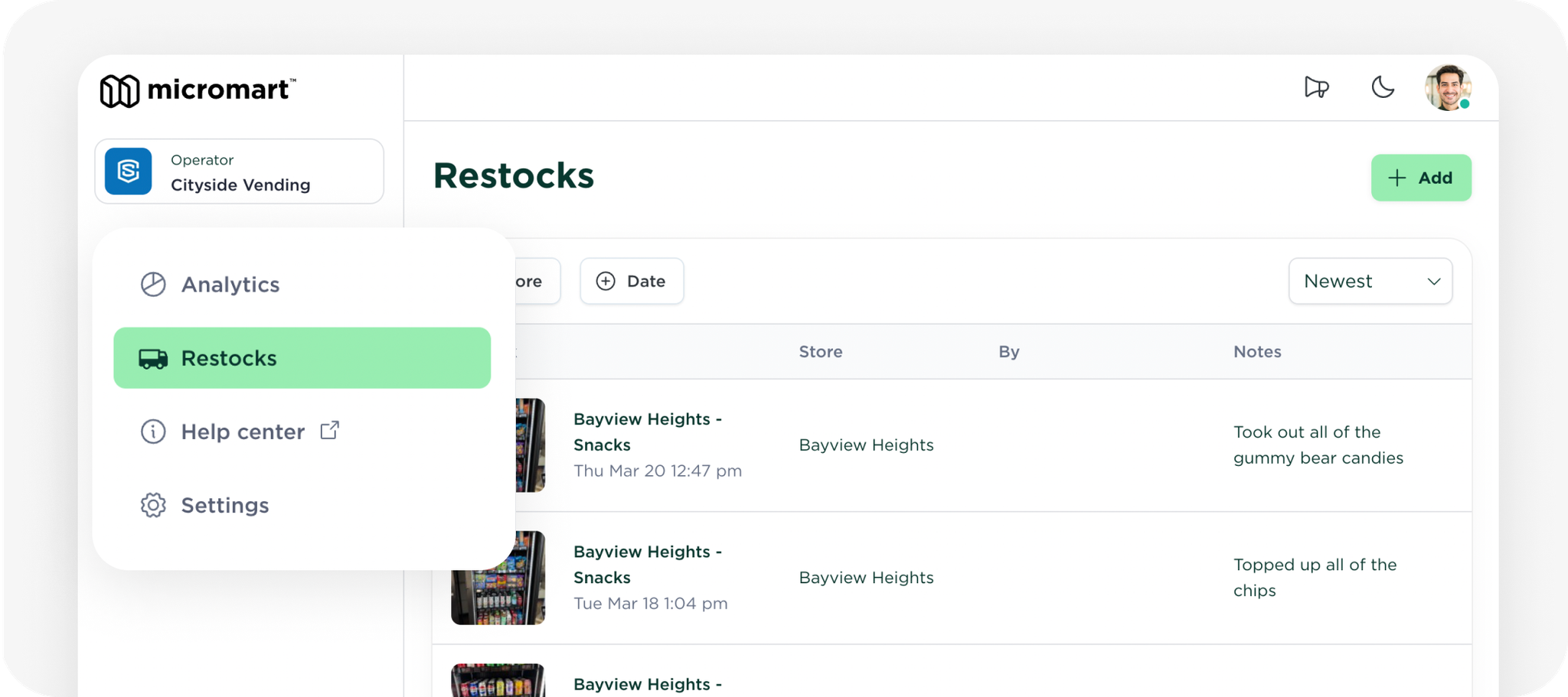
We’ve made a few improvements to make restocking smoother.
New Pick Lists
Pick lists now reflect scheduled planogram changes for the next restock. You can also see slot names and a summary of what’s scheduled to be added or removed.
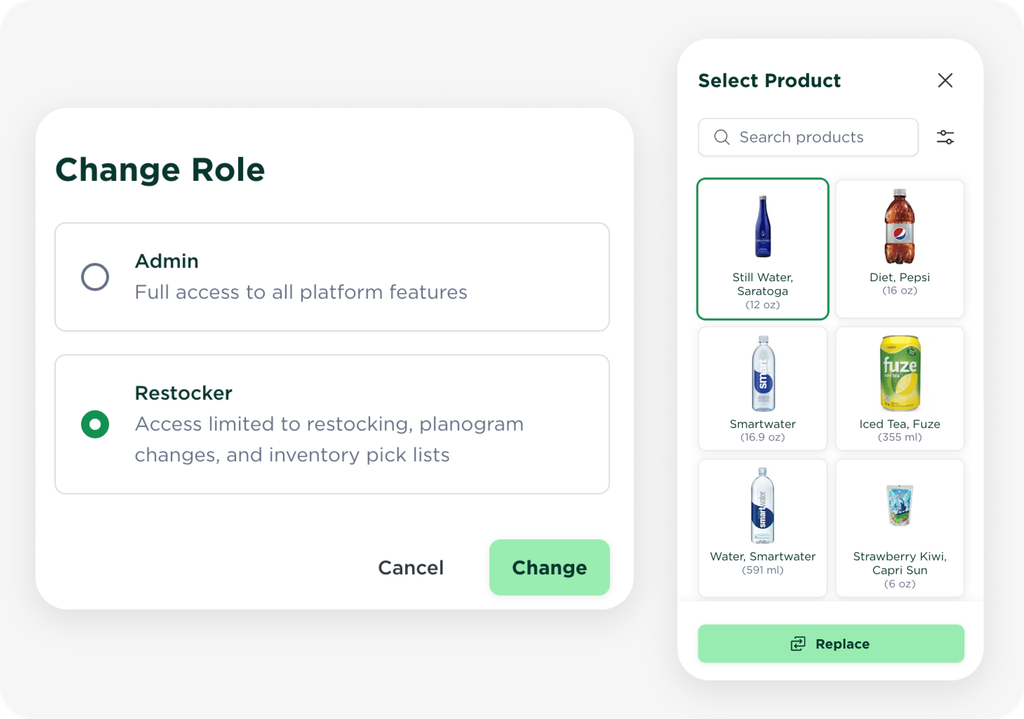
Restockers Can Now Edit Planograms
Restockers can now update planograms directly from the Store page, including pricing and layout changes, while continuing to view pick lists and perform restocking as before.
This makes it easier to keep layouts up to date during restocks.
💬 We would love your feedback
We’d love to hear how these changes are working for you and what else could make restocking easier.
Micromart has been growing fast. We’ve seen incredible momentum and support from operators like you. Through it all, our focus has stayed the same: to build the most trusted and operator-friendly smart store platform in the world.
Over the past year, we’ve made a ton of progress improving every part of the system to keep stores running smoothly. Since launching our smart store platform in September 2024, we’ve processed over 750,000 transactions, with operator growth accelerating across North America. Behind the scenes, we’ve worked hard with our technology partners to improve both their systems and ours, raising the standard across the board.
Reliability is a constant focus because the most important thing is that it just works — every time, every hour of the day, for every customer. When stores stay online, payments go through, and inventory stays accurate, customers stay happy and keep coming back. As we continue improving Micromart, we’re leading an outdated industry toward modern standards.
This update highlights what we’ve done to make that happen and what it means for you.
🧠 Smarter, More Resilient System
Smarter software powering more reliable operations
📶 Cabinet connectivity
We improved how the system interprets connectivity issues to ensure accurate online/offline status readings. We also introduced a new “Online (Limited Remote Access)“ status to indicate when remote functions like restocking may be impacted, even if customers can still shop.
📷 Camera redundancy & failover
We improved how the system handles camera issues. If one camera goes down, the system automatically retries and continues to operate with fewer cameras so customers can still shop without disruption. We’ve also added a more comprehensive QA process during production and every time a cabinet reboots.
🛡️ Sentry Mode
We introduced an internal debug tool to help investigate rare or unexpected issues more effectively. When enabled, Sentry Mode detects motion near a unit and starts recording automatically. This gives our team better visibility into what’s happening on-site.
⚙️ Server scalability
We made significant server infrastructure upgrades to handle more transactions, stores, and devices without slowdown. A new status page at status.micromart.com provides real-time visibility.
💳 Smarter Payments & Revenue Protection
More reliable payments, fewer issues collecting revenue
⚡ Smoother, more consistent payment experience
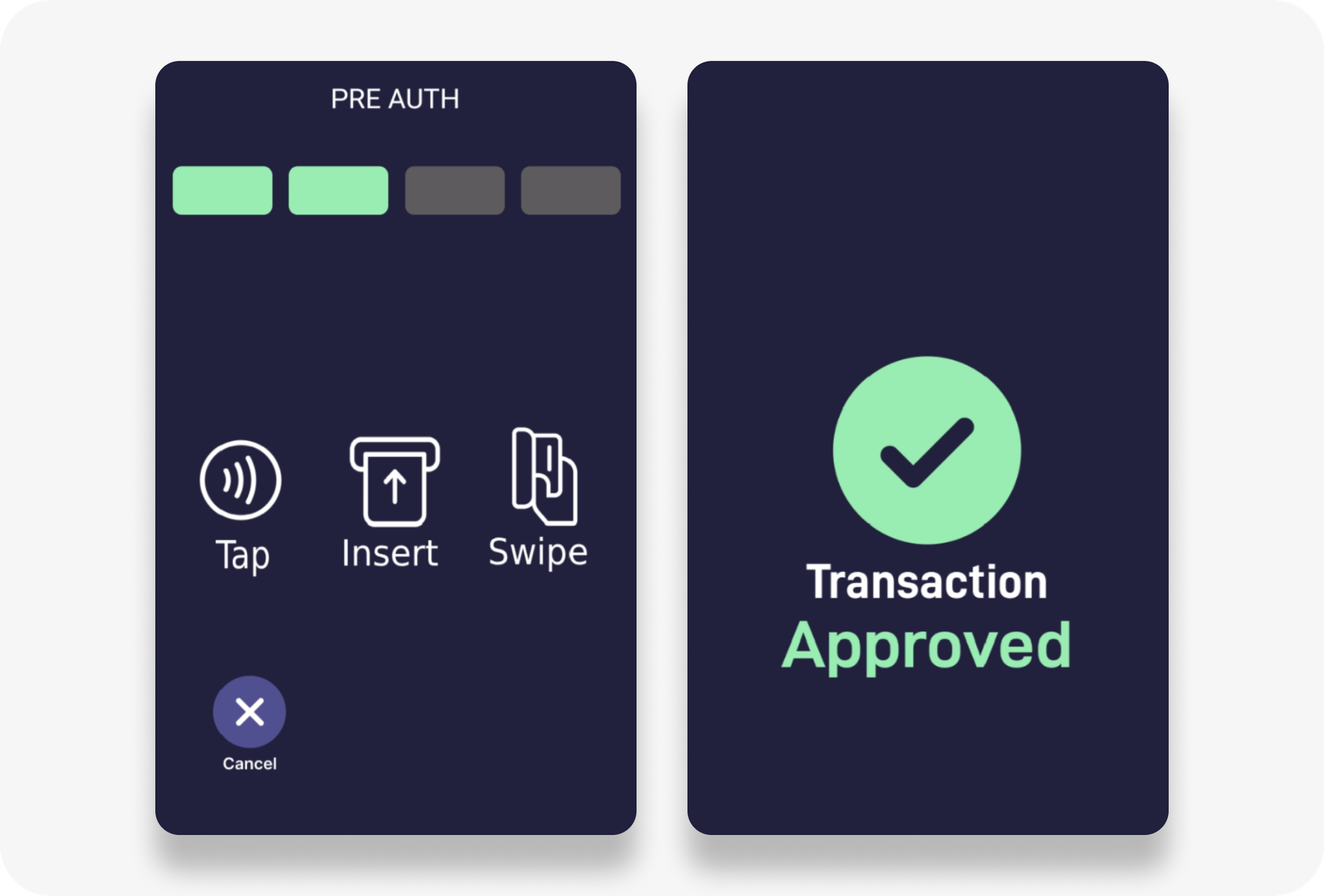
We launched a major update to the US payment app with Castles to improve the shopping experience. The tap screen now follows the Micromart design theme, removes the pre-auth step to reduce friction, auto-resets after a short timeout for the next shopper, shows clearer messages when cards are declined, and fixes rare edge case issues.
💳 Prepaid card blocking
We launched our own prepaid card detection and blocking logic in the US. Prepaid cards have limited balances, which could result in customers taking more items than the card can cover, leaving us unable to collect the full amount owed. This update improves payment success rates and reduces payment risk.
🔁 Remote POS reboot
Our support team can now remotely reboot US payment terminals when they drop off remote management but are still reachable locally. This helps reduce downtime and resolve issues without needing on-site help.
💳 Payment success & revenue protection
We’re continuously improving card validation and payment capture logic. If there are still issues, our Revenue Protect program continues to ensure operators are paid for any missed revenue caused by technical errors.
🔩 Field-Proven Hardware Reliability
Hardware and QA improvements that reduce downtime
💻 Computer stability
We analyzed all units in the field and found motherboard inconsistencies in a few cases. We sent replacement computers where needed and added new QA tests to block any unit with potential issues from shipping. We also worked with our manufacturer to fix the problem at the source.
🖼️ Top display image retention
We found that some operators were experiencing screen burn-in when videos displayed static imagery for extended periods, which can be common with LCDs. We are tackling these on a case-by-case basis with recommendations, coordinated replacements, explored mitigation options, and updated our marketing guidelines to reduce the risk.
🔒 Lock reliability
We improved how the system handles edge cases where locks might behave unexpectedly. We sent replacement latches where needed and are working with our fridge partner, MinusForty, on further mechanical and sensor upgrades.
🏷️ Price tags (eTags)
We experienced occasional delays with eTag updates as the number of units in the field increased. We worked with our manufacturer to improve reliability and are collaborating on future improvements.
🧪 Smarter QA & Boot-Time Checks
Each cabinet now runs a comprehensive and automated system check before shipping, testing hardware, cameras, computer, router, etags, and remote access. These same checks also run every time the cabinet is rebooted.
📦 Accurate Inventory, Clear Audit Trails
Hardware you can trust, software that tracks what matters.
🧰 System-wide reliability improvements
By adding automated computer stability checks, camera redundancy and failover, and handling edge cases like lock behavior, we’ve reduced inventory discrepancies caused by hardware issues. These improvements have made the system more resilient in capturing the data needed to process orders accurately.
📦 New restocking workflow (launching this week)
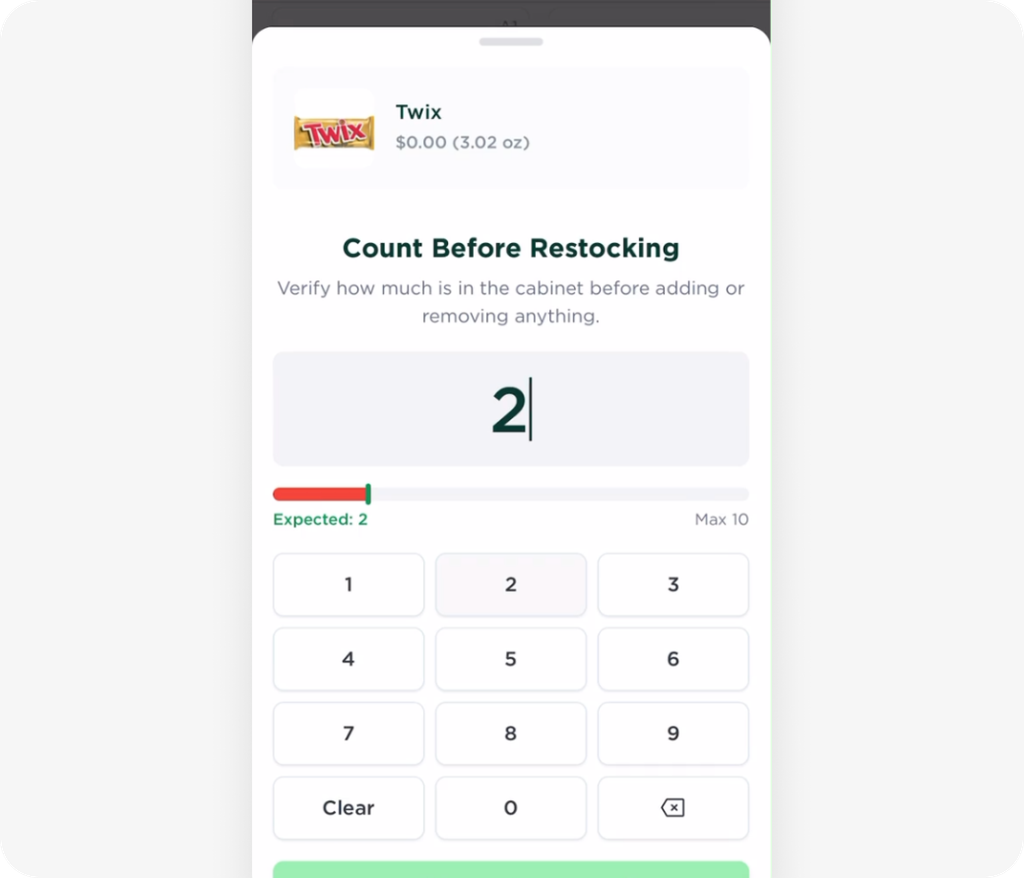
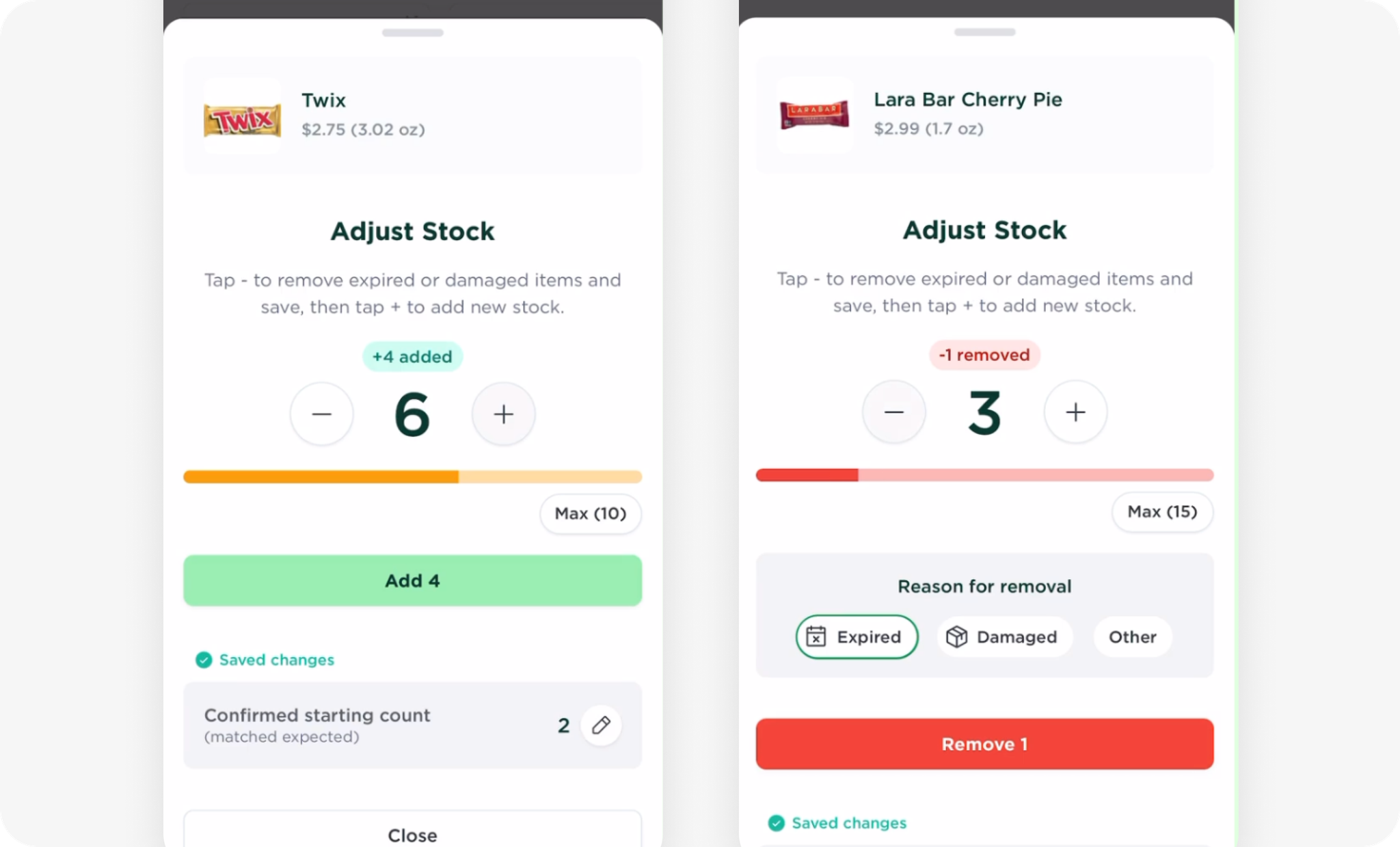
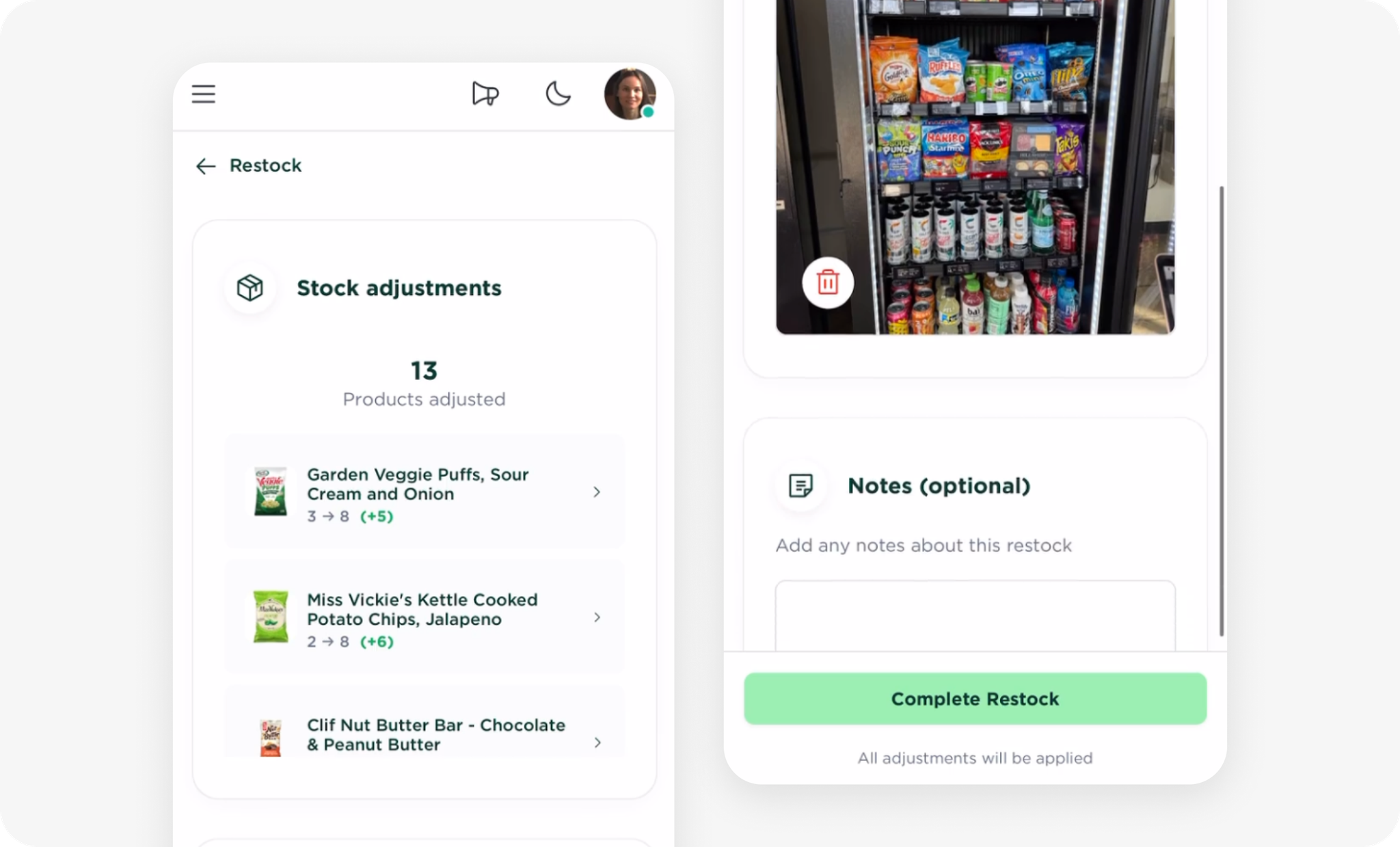
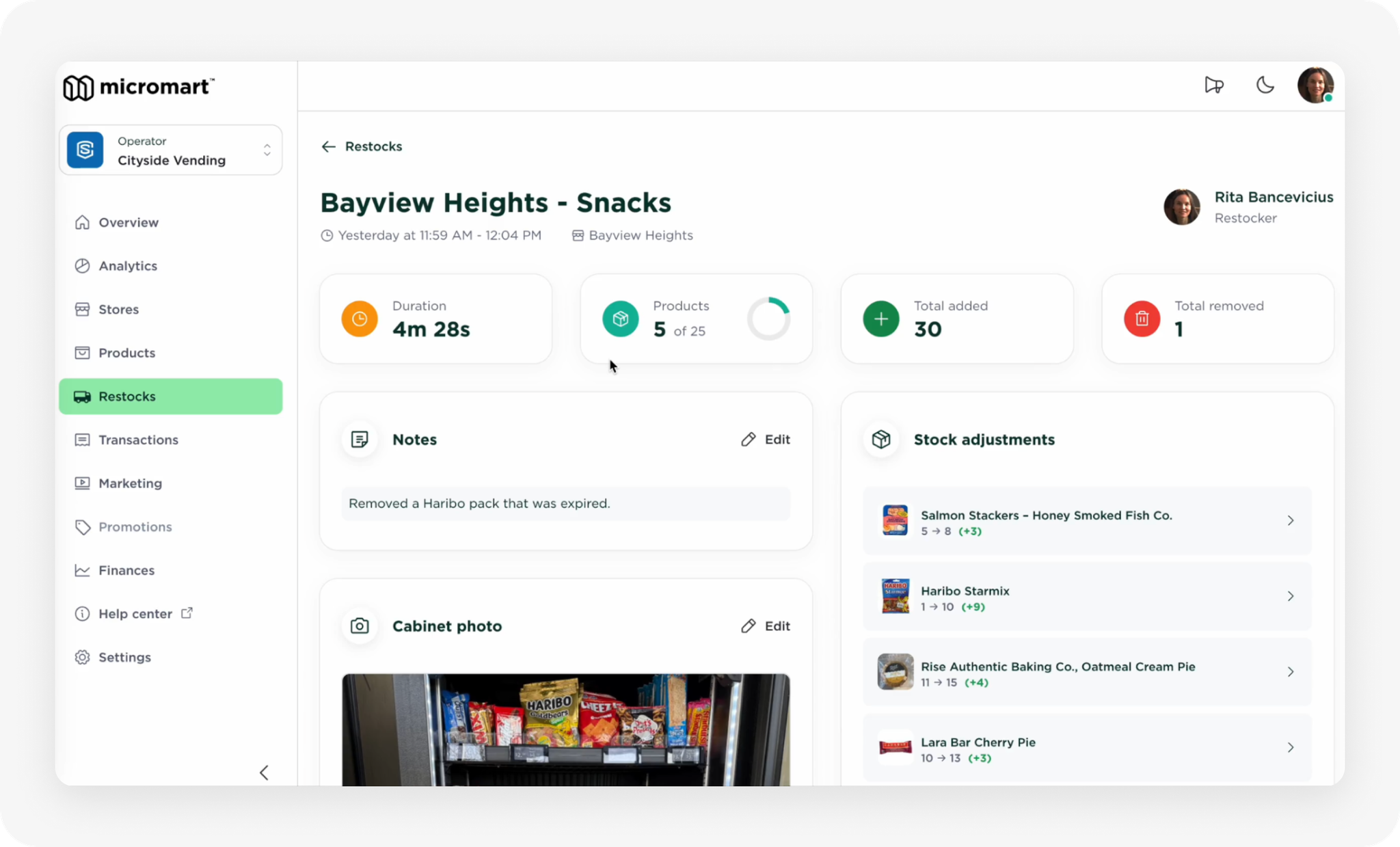
Restockers can now add, remove, or correct items with clear reasons. Every update is logged in a clear audit trail, making it easier to trace issues and keep inventory accurate. We now automatically enable the fridge restocking timer, so you don’t need to manually toggle restocking. It’s simple, smart, and built to reduce confusion.
🚚 Smoother Delivery & Setup
Easier installs, fewer surprises
🚚 Installation & delivery
We now offer a white glove option where cabinets are fully set up at our Chicago warehouse before delivery. This includes shelf layouts and price tags customized for each operator. They arrive plug and play, ready to stock and go live. We’ve also added additional staff to support you remotely during installation if needed.
🚀 Looking ahead
We know the job is never done. Reliability is built one improvement at a time. We’re committed to continuing to raise the bar so Micromart becomes the most trusted and dependable smart store platform in the world.
💬 We would love your feedback
We’re always improving and your input helps us focus on what matters most. If something is not working as expected, let us know so we can do our best to address it. As always, we’re proud to support you and your success.
We worked closely with our payment device partner Castles to deliver a major update to the payment app used across US Micromart Smart Stores. While this payment app is separate from ours, it’s what users see when tapping their card. These improvements bring a more consistent look and feel, better reliability, and features we built to improve payment success.
Payment app updates
⚡ A smoother payment experience
We’ve redesigned the payment screen to match the look and feel of the Micromart POS app, making the experience more consistent and intuitive for customers. The pre-auth amount has been removed at this step to reduce unnecessary friction. If a payment fails, the screen now automatically returns to the start, ready for the next customer while keeping the cabinet status accurate in our system. We’ve also added clearer, friendlier error messages to help guide users when they’re card is not accepted. All of this adds up to a smoother, more reliable shopping experience.
⚙️ Reliability and consistency
We worked with our payment device partner to address reliability issues and ensure all devices are running consistent settings. We also introduced improved troubleshooting capabilities, including a remote reboot function that allows our team to resolve certain issues instantly without needing to be on site. New features also enable cross-location card blocking and a one-time phone number entry experience across multiple locations.
💳 Micromart-built Prepaid Card Blocking
In March, we launched a prepaid card blocking feature for our US locations. This capability was already supported by our Canadian payment partner but was unavailable with our US payment partner. When a prepaid gift card is detected, users now see a clear message: “Prepaid cards are not supported.” We block these cards because they might not have enough funds to cover the full cost, helping us avoid failed charges and ensuring we collect the full amount.
🚀 Looking ahead
These updates are just the beginning. We’re rebuilding the payment app from the ground up to fully own the experience and unlock new features that make shopping even faster, friendlier, and more reliable.
💬 We would love your feedback
Have you seen the new payment experience in action? We would love to hear how it is working for you and your customers.
From May 7 to 9, we had the privilege of exhibiting at the NAMA Show, the largest trade show for convenience services, foodservice, and vending innovation. It was an incredible opportunity to connect with operators, partners, and industry leaders. We were proud to share how Micromart is shaping the future of autonomous retail.
At our booth, we showcased:
Our Gen4 Smart Store – The latest in modular, customer-friendly design, designed to sell
Advanced Operator Tools – From planogram customization to real-time inventory and sales data
Freezer Reveal – Expanding our capabilities to a wider range of products
Hot Food Capabilities – The only autonomous store capable of cooking hot meals on demand, anytime of day
New Small Pod Technology – Launched earlier this year, now with faster cook times for an even better customer experience
AI Features (Sneak Peek) – A glimpse into AI features that will shape the next generation of smart store operations
We received a ton of interest and feedback from attendees throughout the show. One of the biggest highlights of the show was connecting face to face with many of our existing operators and tech partners. We regularly hear from them, but seeing their energy in person and exchanging ideas about what’s working and what’s next was inspiring.
A big thank you to everyone who visited our booth, whether you were a new face or a familiar one. Your feedback and enthusiasm continue to drive our mission forward!
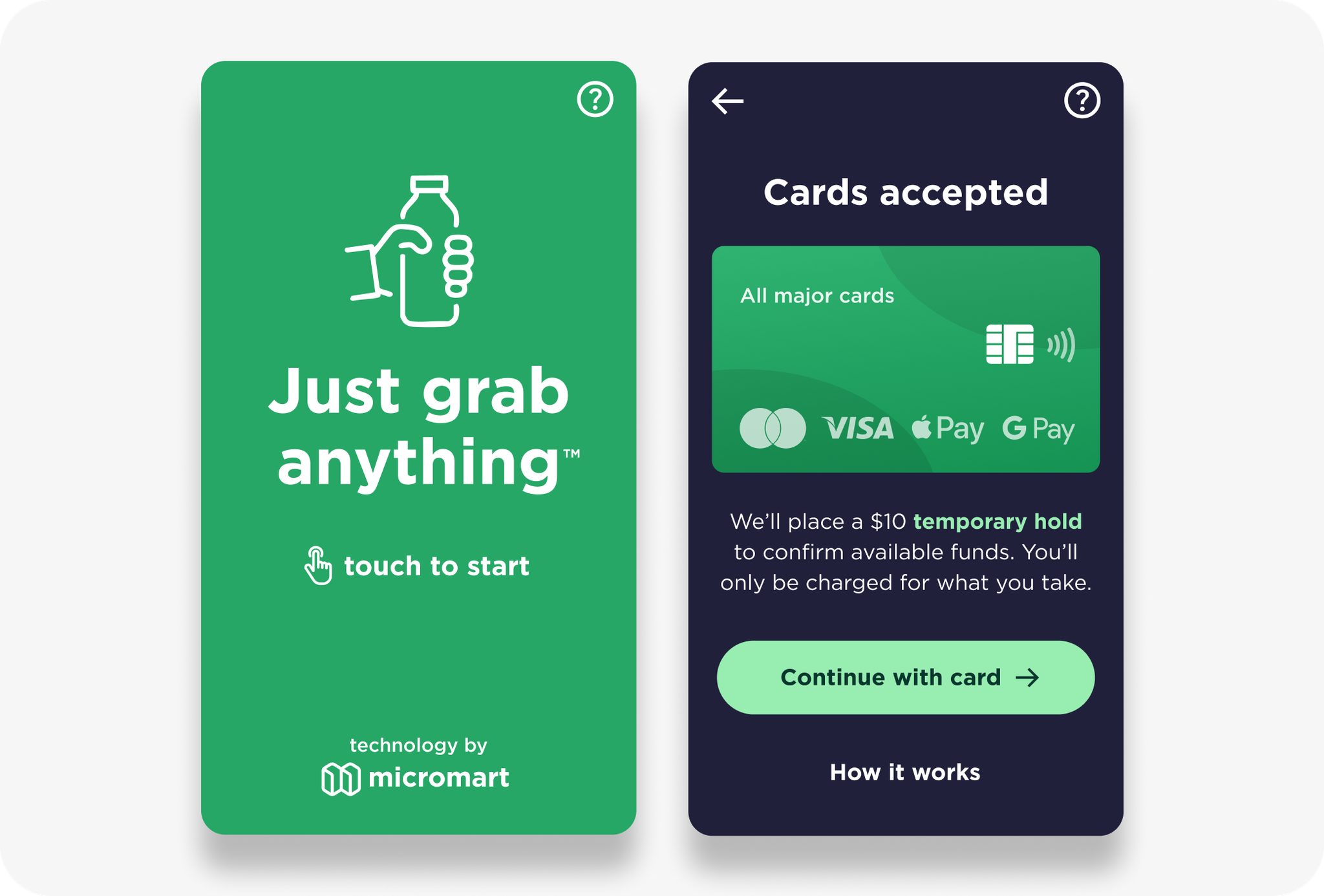
We’ve launched a new consumer brand to create a memorable, easy shopping experience for new customers—encouraging them to browse freely and grab anything they like.
A fresh new look
Shopping at your Micromart Smart Store is now easier and more seamless. We've updated your cabinets with a new UI that enhances the shopping experience and encourages customers to grab what they like with ease.
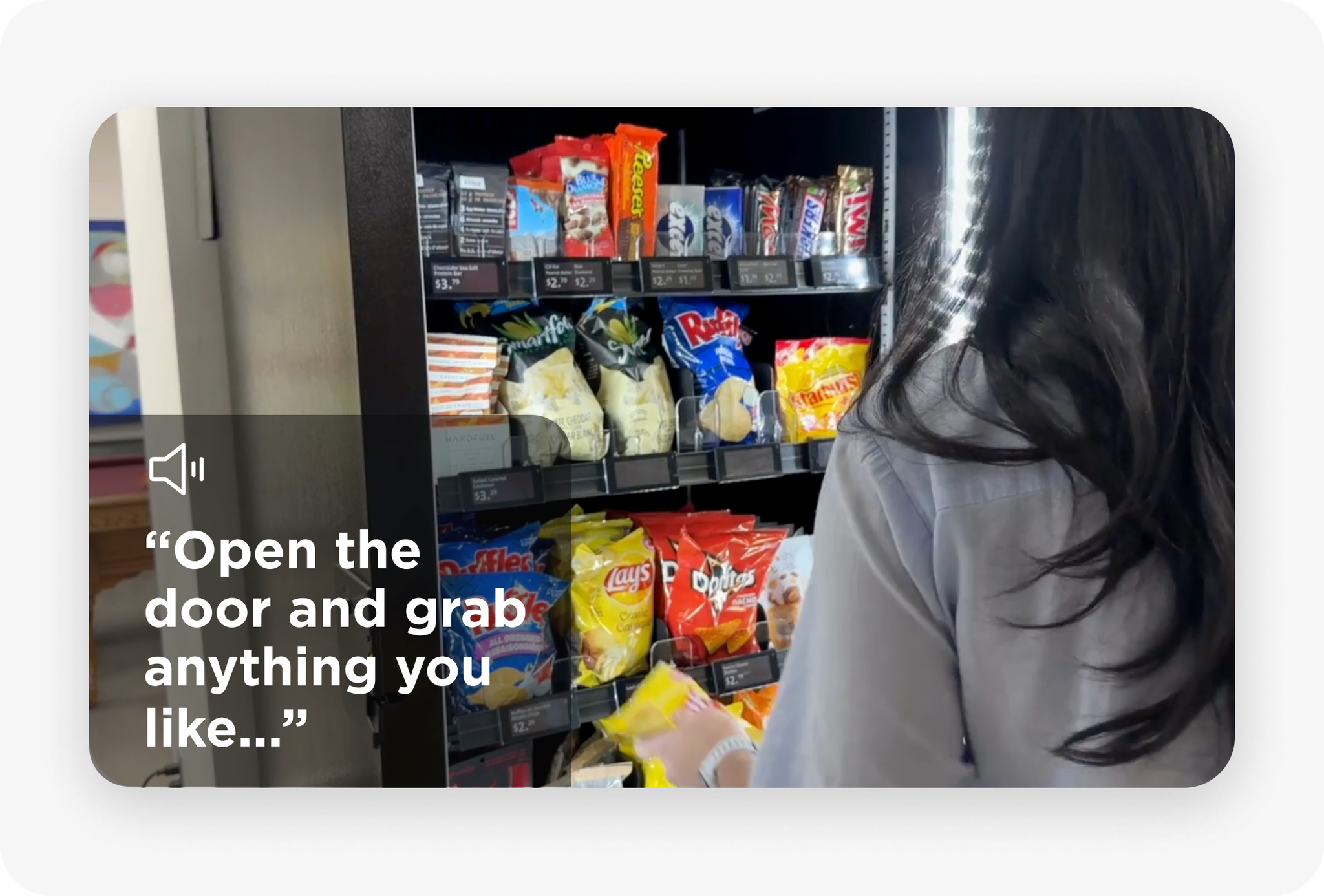
Voice aid
This update introduces a voice aid to help guide customers smoothly through their purchase. While we recommend using it, we understand it may not be ideal for all environments, and can be customized per store. If you’d like to disable it, please reach out to us.
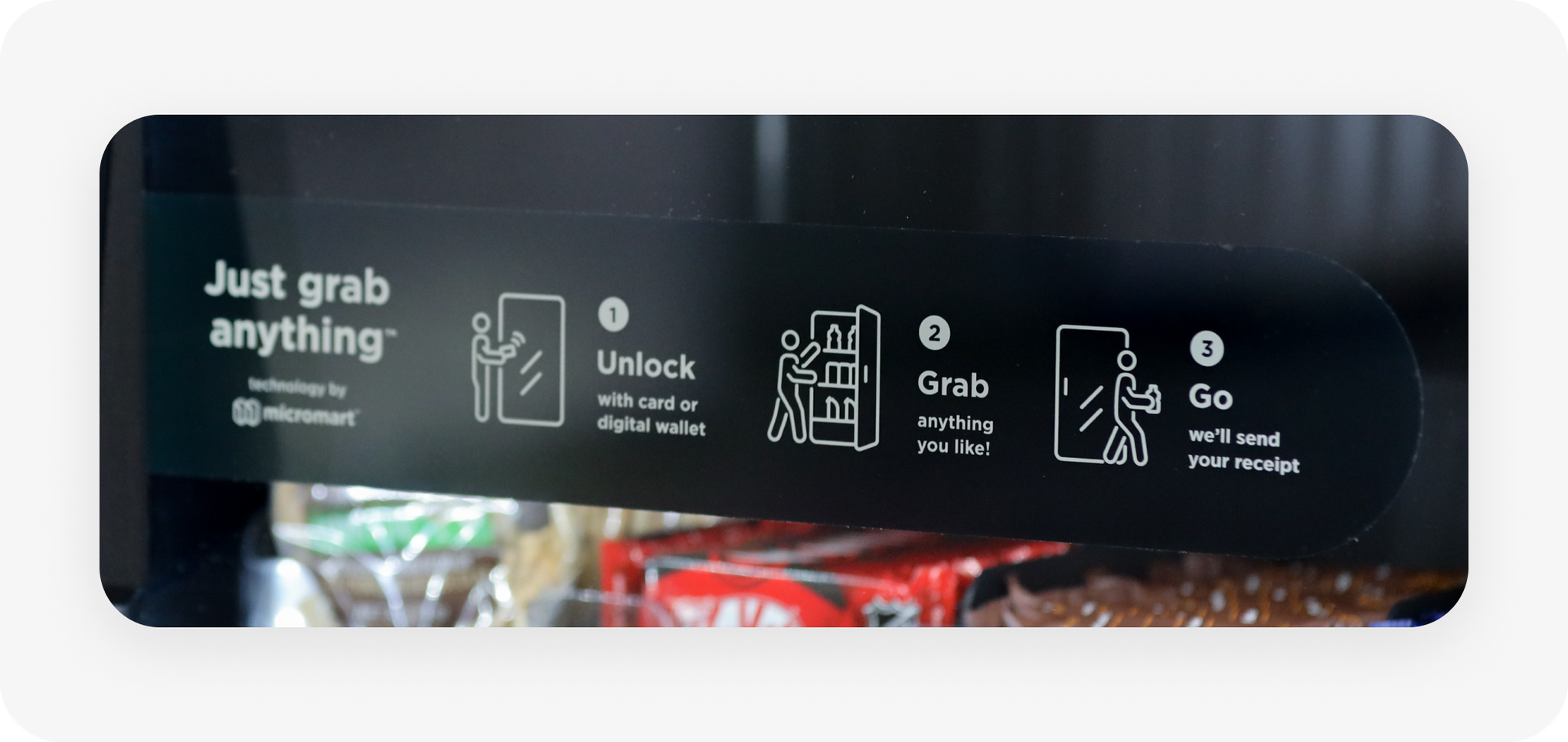
Instructional glass sticker
These stickers will be pre-installed in future cabinets. If you need one for an existing cabinet, please reach out to us.
💬 We’d Love Your Feedback
We’d love to hear what you and your customers think of this update and how it improves the experience for new shoppers. Feel free to share any feedback with us!
We’ve made planogram management simpler, more flexible, and mobile-friendly—here’s what’s new:
What’s New?
1. Manage planograms in the cabinet page
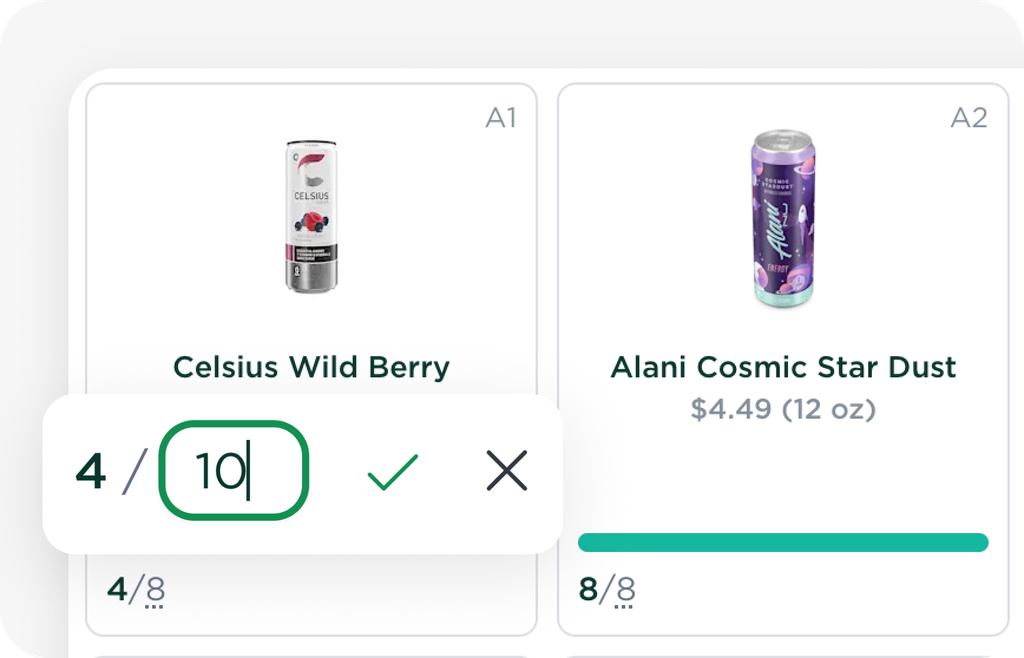
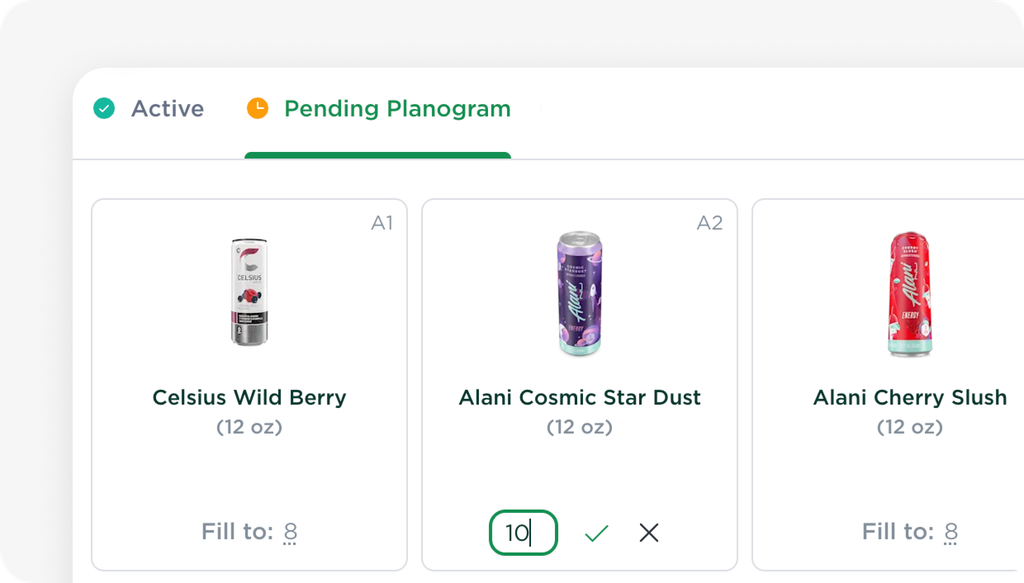
There is no longer a separate planograms page. You can now manage your planogram (product layout & changes) directly within each cabinet. Plus, it's now mobile-friendly, so you can make planogram changes on the go.
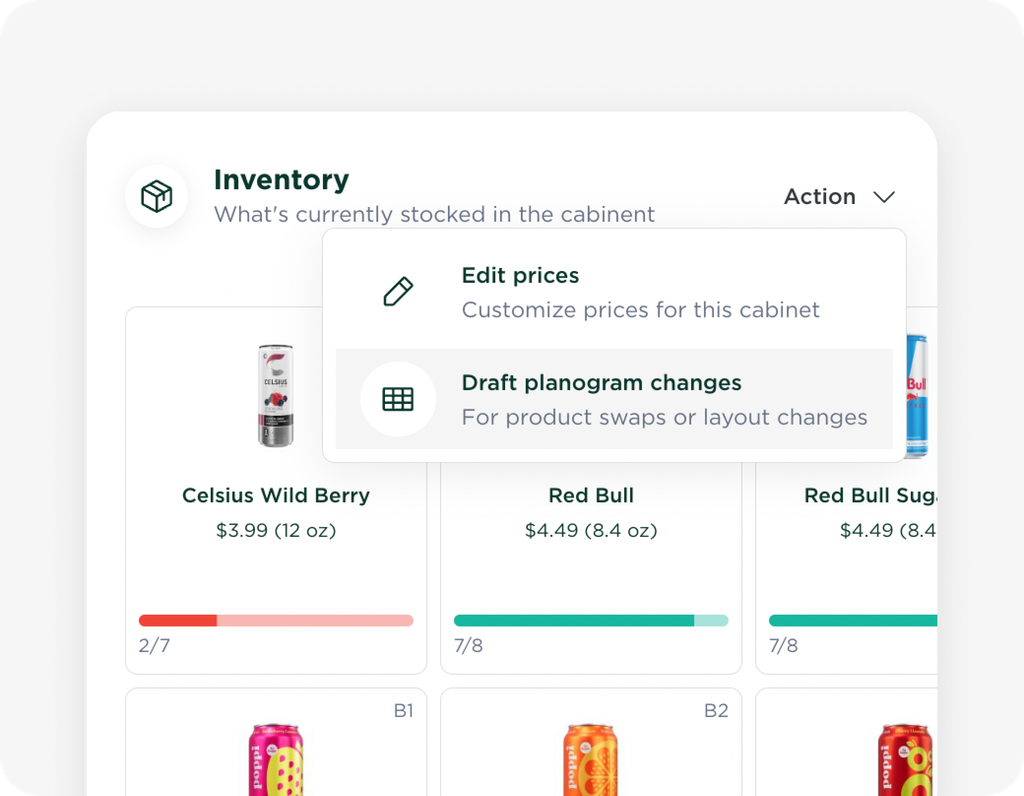
2. Draft & apply changes anytime
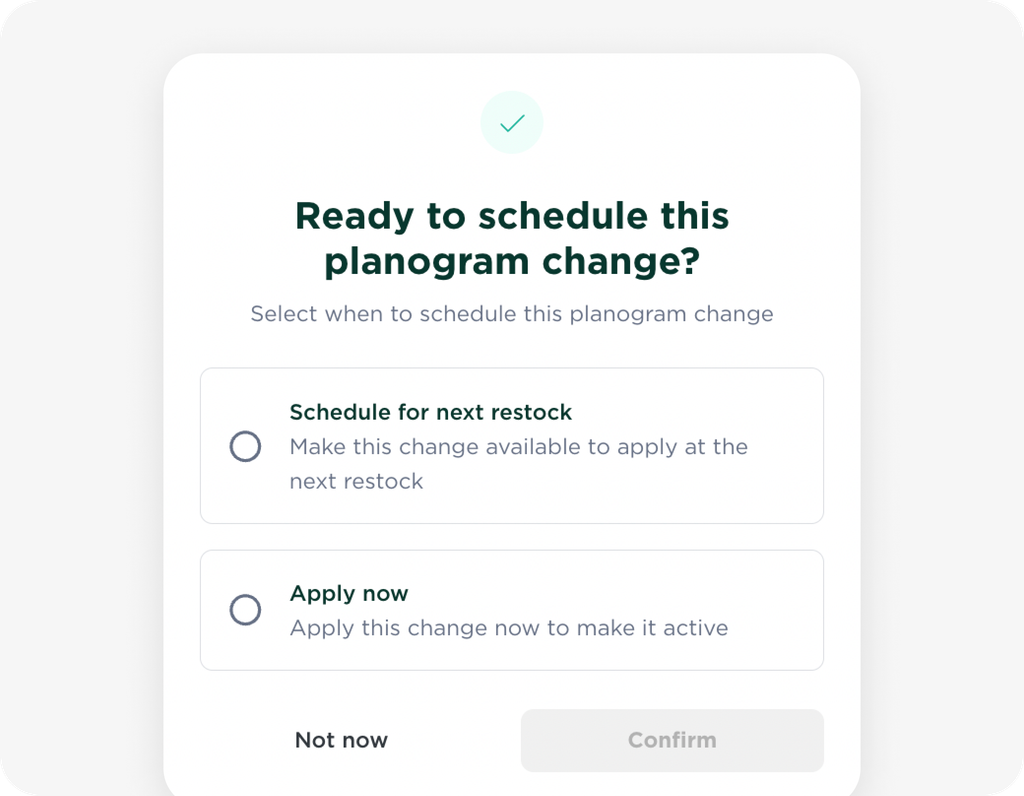
Create a draft and choose when to apply it—immediately or for the next restock.
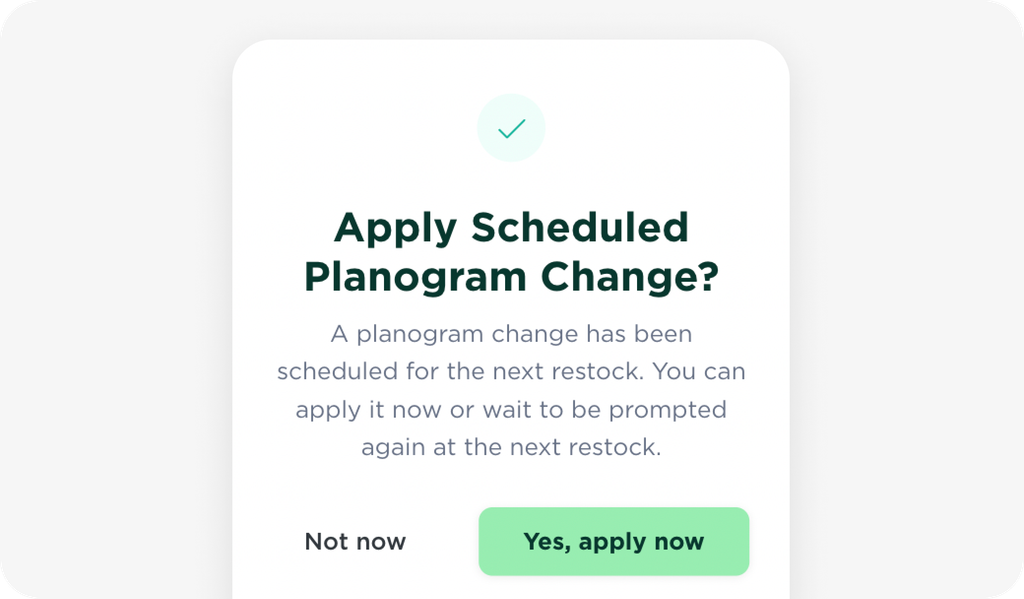
If scheduled for the next restock, you (or your restocker) will get a popup reminder: "Apply Scheduled Planogram Change?"
3. Adjust price tags
If your changes require adjustments to price tags, visit the Price Tag page to update them.
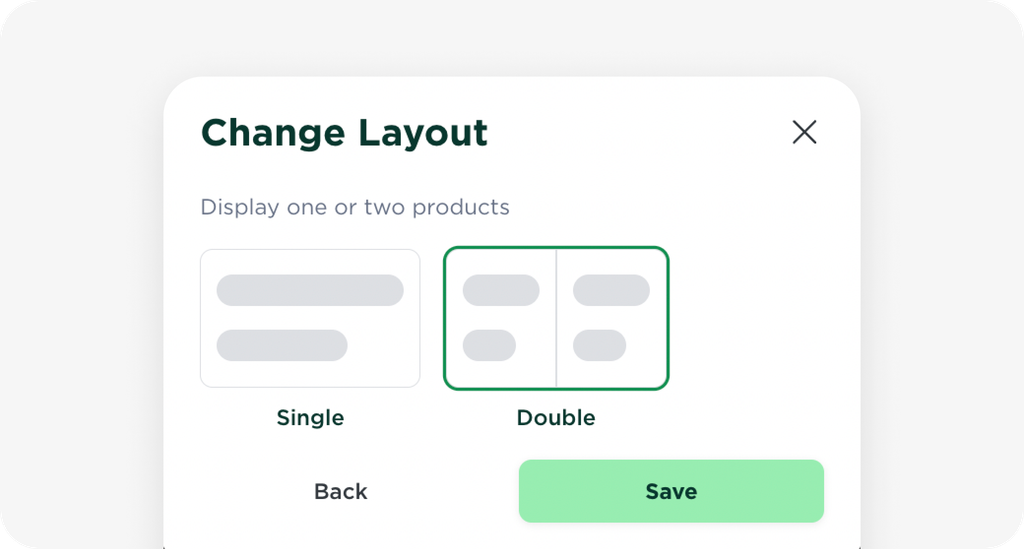
Here, you can now change layouts (e.g., whether a price tag represents one or two products) and add or remove price tags.
4. Instant updates for planogram changes
We’ve made it easier to manage and update existing cabinets while ensuring planograms follow our guidelines to maintain high accuracy for the vision system.
Existing cabinets: You can now make planogram changes without requiring approval.
New cabinets: The approval step still applies for now for the initial set-up. Please submit your planogram ahead of time for review and approval. Once the first approval is done, you can freely make additional changes without approval.
📦 Making Planogram Changes
Planning Ahead: Schedule Changes in Advance
If you're planning ahead, draft your planogram changes and schedule them for the next restock. When restocking, you’ll get a popup to apply your changes, and your physical price tags will update automatically. If your price tag layout needs adjustments (e.g., a tag now represents two products), go to the Price Tag page in the cabinet after applying your planogram updates.
Changes on the Spot While Restocking
If you need to swap products or adjust your layout during restocking:
Go to your cabinet page to draft and apply your product changes.
Review and update price tags if needed, then apply the changes to your physical tags.
Finally, go to the restocking page to update your stock quantities and complete the process.
Easier Payout Tracking, More Transparency, Better Insights
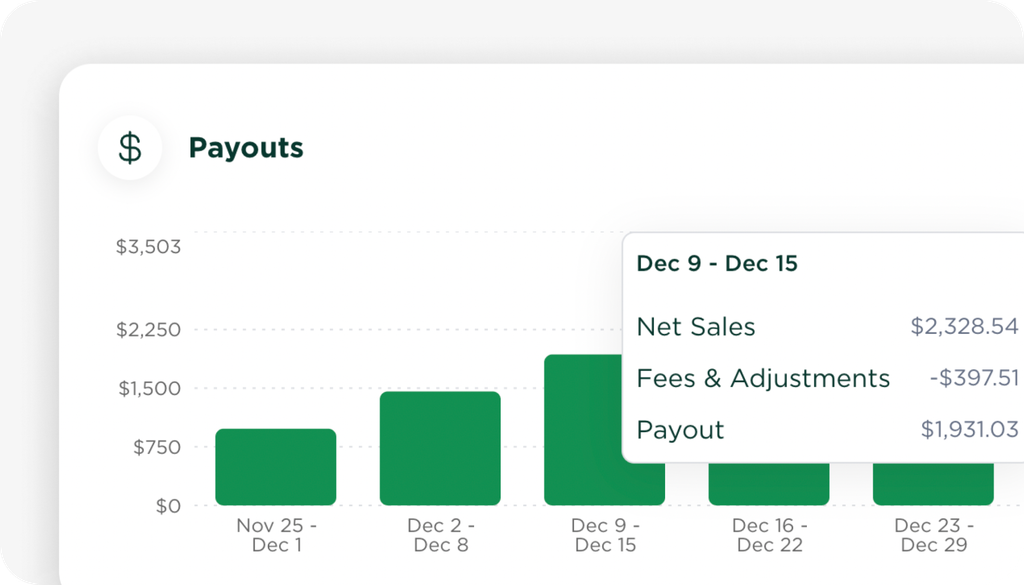
We’re excited to introduce the Finance Page on your Micromart dashboard. This update provides you with a detailed view of your payouts, making it easier to track earnings.
📌
For payouts before Jan 20, any small discrepancies have been adjusted in your Feb 11 payout. Learn more ›
What’s New?
1. View Payouts in One Place
Access a complete history of all your payouts directly from your dashboard.
Click on any payout to see a detailed breakdown of transactions, fees, adjustments, and store-level insights.
2. Revenue Protect
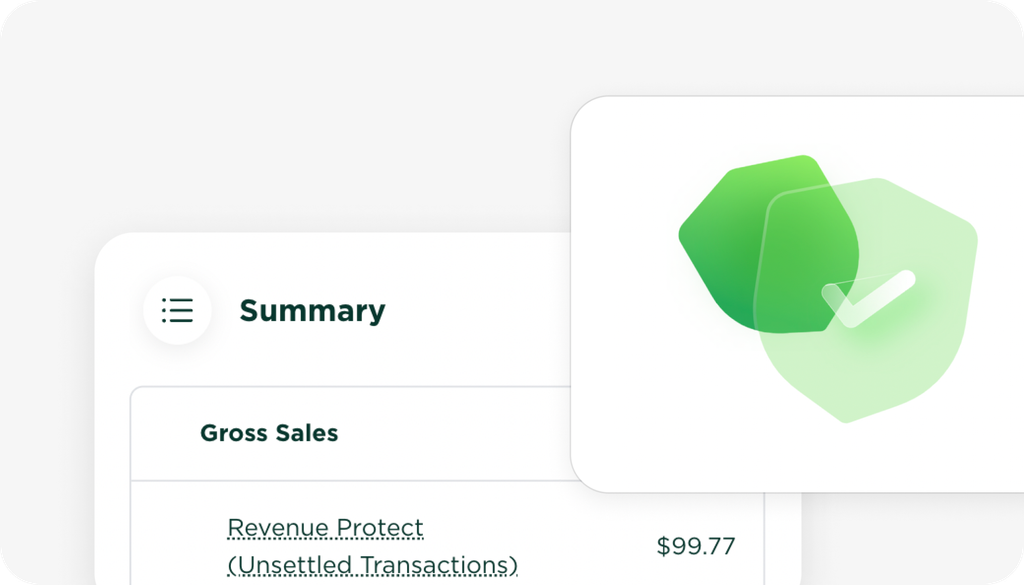
The Revenue Protect program ensures you get paid for unsettled transactions due to technical or payment issues, at Micromart's discretion.
You can see exactly how many transactions were covered under Revenue Protect for each payout.
3. Drill Down into Individual Transactions
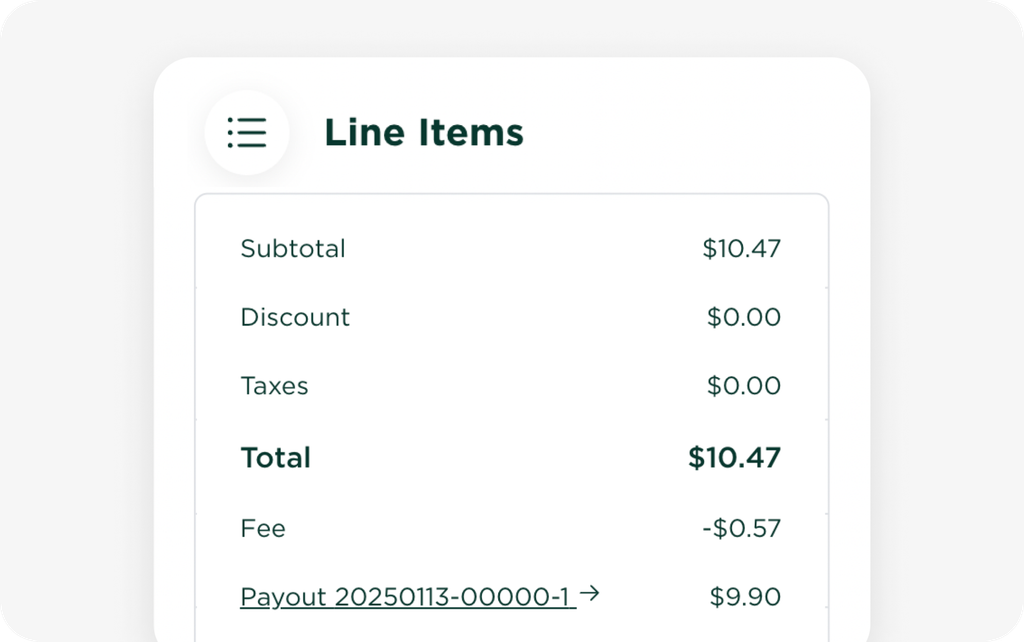
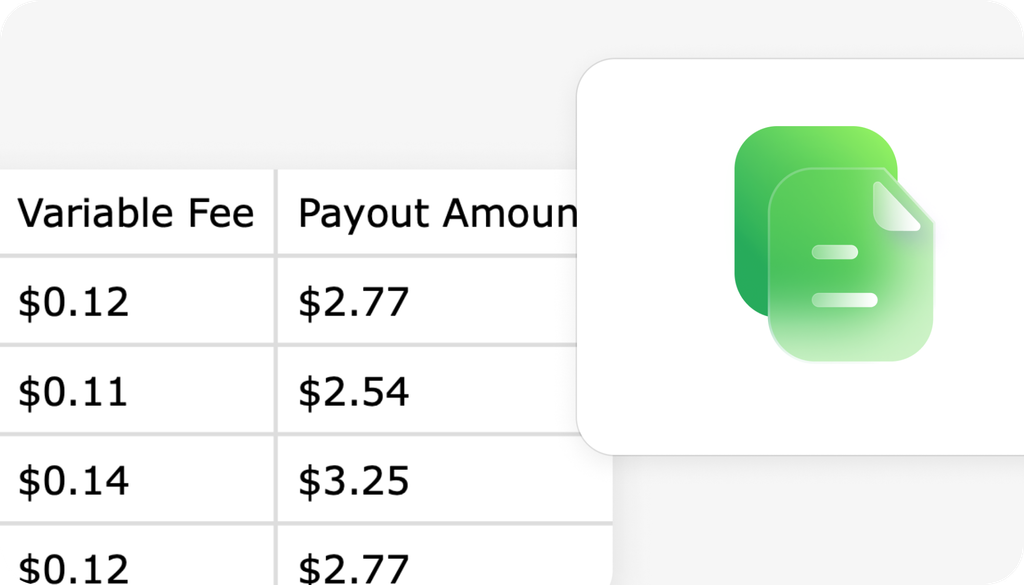
Click into a transaction to view its processing fees, payout amount, and associated payout link. Transactions are now linked to payouts for better data integrity and transparency.
The Transactions CSV download now includes this information as well.
Understanding Your Payout Report
Your payout report provides a detailed breakdown of your sales, fees, and adjustments. Below is a quick overview:
Gross Sales: Total value of all items sold before any discounts or refunds.
Net Sales: Gross Sales minus discounts and refunds.
Net Payout: The final amount after deducting all fees and adjustments.
Transaction Fees: Payment processing costs based on a fixed per-transaction fee and a variable percentage.
Service Fees: A daily fee per cabinet for using the Micromart platform.
Data Fees: Costs for real-time connection, monitoring, and transaction processing.
Revenue Protect (If Applicable): Adjustments for unsettled transactions due to technical or payment issues.
Adjustments (If Applicable): Manual corrections for refunds, waived fees, or past discrepancies.
Tax Collected (Coming Soon): The amount of tax collected from customers based on applicable tax rates. Tax support will be available soon.
For a detailed breakdown, see the full payout details in your dashboard.
📅 Payout Timing
Payouts are sent out every Tuesday for the previous week’s transactions (Monday – Sunday). Payments typically arrive within 1-2 business days (by Wednesday or Thursday, sometimes Friday, depending on bank processing times).
📌 Note on Past Payouts
With this update, we’ve transitioned from a manual report to a system-generated payout report for greater accuracy.
For payouts before January 20, there may be minor differences due to pending transactions at the time the payout was generated.
Any small discrepancies have bene adjusted in your February 11 payout under “Past Payout Adjustment”.
Moving forward, payouts are now automated and timestamped, ensuring that deposits match exactly.
💳 Which Transactions get Included?
Transactions are included in a payout based on when they are finalized. If a transaction was still processing at the time the payout was generated (e.g., under review or waiting for a payment adjustment), it will be included in the following week’s payout instead. This is why you may see minor differences between your sales data and payout.
💬 Have Questions or Feedback?
We’d love to hear what you think about the Finance Page! If you have any questions or suggestions, reach out to support.